How to Set Clear Visibility for Team Expense Records
Explain who can view team expense records, who reviews them, and how employees can check the data handling policy before they submit receipts.

Alex Chen
Product Manager & Personal Finance Advocate
How to Set Clear Visibility for Team Expense Records
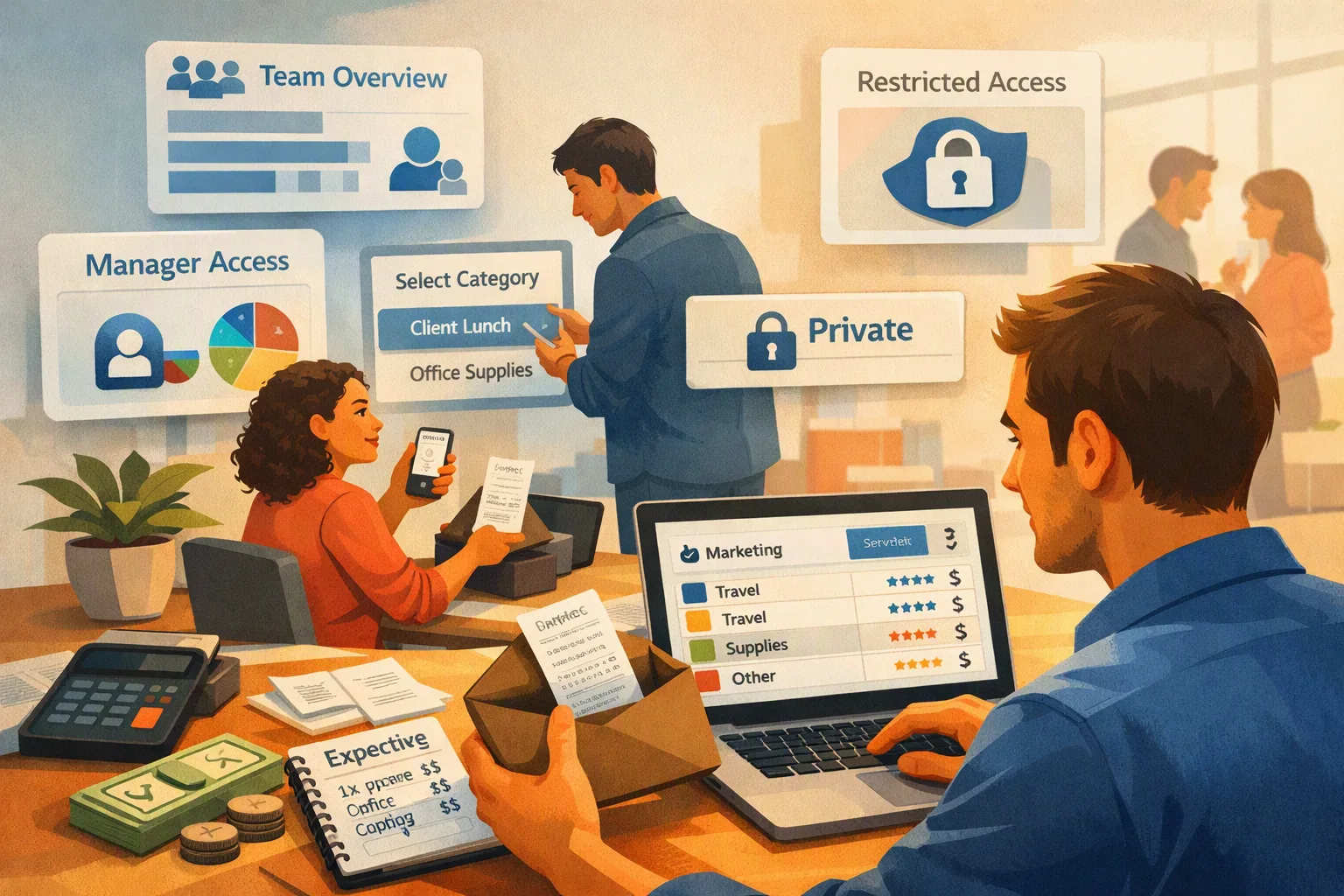
Tell employees who can view submitted expense records, why access is needed, and how the records will be used. In Yomio Business Mode, a Member can view their own expense records, while an Admin can view and export the team’s records.
Before introducing any expense system, write down the information collected, who can access it, how corrections are made, and how long records are kept. Review the product’s current settings and privacy policy, then explain the workflow before asking employees to submit receipts.
Set access by job responsibility
Give each person only the access their role needs. For example, an employee may submit and review their own expenses, while a finance or business admin may need team-wide visibility to review records and prepare exports.
Avoid shared logins and open spreadsheets when they make it unclear who changed a record or who can see it. Use individual accounts, define an alternate reviewer, and remove access when a person leaves or changes responsibilities.
Explain the process to the team
Tell employees:
- What details and documents to submit
- Which roles can view their records
- What the review status means
- How to correct an amount or receipt detail
- Where to ask questions about access or retention
Do not describe a review status as proof that an expense is allowed, reimbursed, or tax-deductible. The organization remains responsible for its policies and records.
What Business Mode provides
Business Mode includes Admin and Member roles. Members can access their own records; Admins can review team records, manage members, and export team expense data. An Admin can also enable an optional approval step and choose weekly or monthly summary emails.
Business Mode does not pay reimbursements, hide records from an Admin, or create a custom privacy policy for an employer. Review the current Business Mode details and Yomio Privacy Policy before deciding whether its access model fits your organization.
Information
Business Mode separates Member and Admin access: Members can view their own records, and Admins can view the team's records. Explain the roles and the reason for review before employees submit receipts.
Tip
Members do not see one another's expense records, while Admins can review team records. Tell employees what the system does and does not restrict, then link it to the organization's expense policy.
Last reviewed: September 27, 2026.
Check team expense visibility before rollout
Review Business Mode’s Admin and Member roles, then decide whether its access model fits your team's recordkeeping process.
Explore Business Mode