How to Create a Monthly Budget From Scratch (2026 Guide)
A step-by-step guide to building your first monthly budget — no spreadsheet required. Works for any income type, with a free interactive budget builder tool.

Yulia Lit
Consumer Psychology & Behavioral Economics Researcher
How to Create a Monthly Budget From Scratch (2026 Guide)
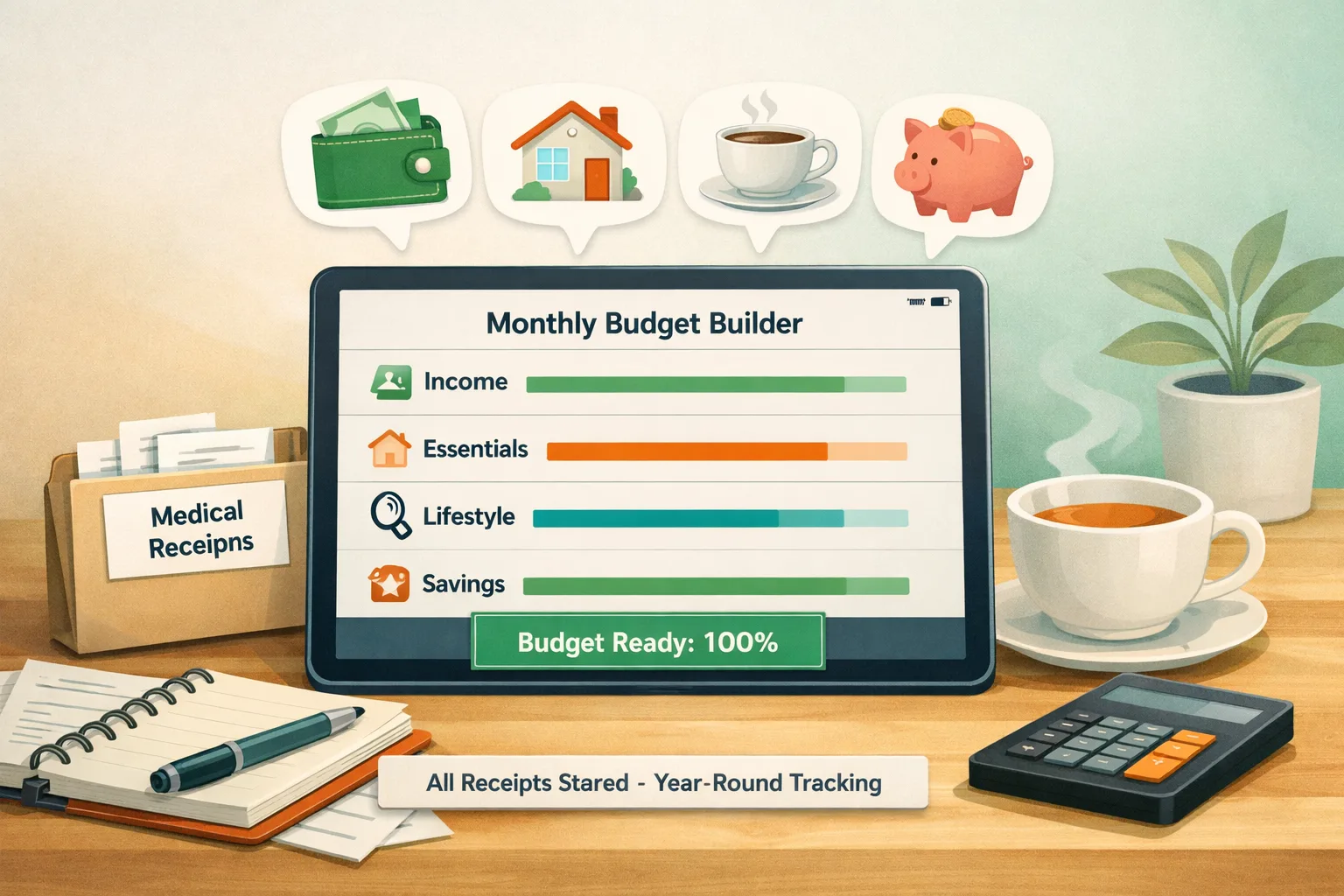
Start a monthly budget with the take-home income you expect, list essential bills and debt payments, then assign the remaining amount to savings and flexible spending. Review actual purchases during the month and adjust the plan when your costs or income change.
A monthly budget is a planning tool. It can help you compare expected income and costs before the month begins and decide how to use the money available.
Here's how to build one that actually works, from step one.
Key Takeaways
- A monthly budget starts with your real take-home income, not your salary
- Fixed expenses should be listed first — they define the floor of your budget
- Variable expenses should be estimated from real data, not aspirational guesses
- Review and revise the plan when actual costs or income differ from your estimate
- Frameworks such as 50/30/20, zero-based budgeting, and pay-yourself-first can be adapted to your needs
What a Monthly Budget Actually Is
A monthly budget estimates income and expenses for a period and gives you a way to plan how available money will be used.
You can include bills, savings goals, groceries, debt payments, and flexible spending. The level of detail is up to you.
Budgeting does not require the same categories or limits for every household. A clear plan can help you see trade-offs and decide where to adjust based on your own priorities.
Tip
Use recent statements, bills, and receipts as a starting point instead of relying only on memory. If you have more than one month of records, compare them to identify irregular costs.
Step 1: Find Your Real Take-Home Income
The starting number is your after-tax, after-deduction monthly take-home pay — what actually hits your bank account.
If you're a salaried employee: Check your pay stub and the deposits that reach your account. For biweekly pay, some months have two paychecks and some have three; use the annual take-home amount divided by 12 for a monthly average, then plan for the actual pay dates.
If you're self-employed or freelance: Use actual income records to estimate a cautious baseline, and account for tax and business costs before deciding what is available for personal spending. When income is higher than expected, assign the additional amount after it arrives.
If your income varies significantly month-to-month: Choose a baseline that reflects income you can reasonably count on and your upcoming obligations. Review the plan when actual income arrives and assign any surplus to your current priorities.
Warning
Start from the amount available after payroll deductions and taxes, not gross salary. Withholding and benefits differ, so use your own pay stubs rather than a generic salary-to-take-home estimate.
Step 2: List Every Fixed Expense First
Start with recurring bills and other committed obligations. Some amounts can vary or may be changed, so use current bills and agreements rather than assuming every recurring cost is identical or non-negotiable.
Typical fixed expenses:
- Rent or mortgage payment
- Car payment
- Student loan minimums
- Insurance premiums (car, health, renters/homeowners)
- Fixed subscriptions (phone plan, gym membership, annual software on monthly billing)
- Childcare or tuition if fixed
Write down each item's current amount and due date. For annual bills or variable charges, note the amount you expect and how you estimated it.
The invisible fixed expenses: Watch for annual charges that don't appear on your monthly radar. Amazon Prime, Adobe Creative Cloud, insurance renewals, car registration. Divide their annual cost by 12 and include that monthly fraction in your fixed expense total.
Once you've listed these costs, compare them with expected take-home income. The remaining amount can cover variable spending, savings, debt payments, and other priorities.
Step 3: Estimate Your Variable Expenses From Real Data
Variable expenses are the categories where your spending changes month to month: groceries, dining out, gas, personal care, clothing, entertainment, household items.
A useful starting point: Do not rely only on memory or an ideal target. Review recent transactions and calculate a baseline from the records you have.
Review whether actual grocery, dining, and small-purchase totals differ from your first estimates. These records can help you set a more realistic starting budget.
These surprises aren't failures — they're exactly the information a budget needs to be realistic.
Key variable categories to estimate:
- Groceries
- Dining out and coffee
- Gas and transportation
- Personal care (haircuts, pharmacy, toiletries)
- Clothing and household items
- Entertainment (events, streaming, hobbies)
- Medical copays and other health costs, based on records you have and expected care
Insight
If you don't have clean historical data, use this starting point: take your last full month of bank/card transactions, categorize every transaction, and use that as Month 1. Month 2 becomes your first real budget comparison. You don't need three months of perfect data to start — you need one honest month.
Step 4: Assign the Gap
After fixed and variable expenses, you have a remaining amount. This is the gap that determines your financial trajectory.
If the gap is positive (you have money left over): Allocate it in this order:
- Emergency savings — choose an initial amount that fits your bills and risks, then build it as your budget allows
- Debt payments — make required payments first, then compare extra repayment with other priorities and each debt's interest and fees
- Retirement contributions — review any employer plan and match terms alongside your other goals
- Savings goals — vacations, down payments, big purchases
- Discretionary buffer — guilt-free spending or month-to-month flexibility
If the gap is zero or negative: Your planned expenses and priorities equal or exceed available income. Review amounts, timing, and costs you may be able to change; if essential bills do not fit, consider contacting a qualified counselor or local support service.
Step 5: Install a Tracking System
A written budget is a plan. Comparing it with the records you have can show where estimates or priorities need a review.
One tracking routine to try: Set aside time during the month to compare recorded spending with your plan. You could start with the categories that matter most and adjust the schedule if you need more or less detail.
Tools that support receipt review: Yomio scans receipts and can categorize extracted purchase items, but you should review the details and correct any errors. For example, a receipt may help you see item details behind a store total; the result depends on what the receipt shows and what the scan extracts.
Build Your Budget Now
Use this tool to construct your first monthly budget in real time. It adapts your allocation as you enter numbers and shows you exactly where your money is going:
Budget builder
Build Your Monthly Budget
Enter your take-home income and actual spending per category to see your real budget picture.
The 3 Budget Frameworks: Which One Should You Use?
Once you have your numbers, choose a framework for allocating them. You can adapt or combine approaches when that makes your plan easier to use.
50/30/20 — The Simplest Starting Point
Allocate 50% of take-home income to needs, 30% to wants, 20% to savings and debt.
Best for: Budget beginners, people with stable income, and anyone who wants guardrails without complexity.
Limitation: The percentages do not reflect every income level, household, or local cost. If essential costs exceed the suggested share, treat the formula as a reference and set amounts from your actual budget.
Zero-Based Budgeting — Maximum Control
Assign every dollar of income to a category until the remaining balance is zero. You're not spending money you haven't deliberately assigned.
May suit: People who want to assign available income to specific bills, savings, debt, and flexible spending categories.
Limitation: More work upfront and requires monthly re-allocation as income changes.
Pay-Yourself-First — The Automation Approach
Automatically transfer your savings target on payday, then budget freely with what remains. Savings happen by design, not discipline.
May suit: People who want savings transfers to happen on a set schedule. This approach can be used alongside another budgeting framework if it fits your cash flow.
Choose an approach that fits your records, income pattern, and review routine. You can change it when your needs change.
6 Mistakes to Avoid on Your First Budget
Mistake 1: Budgeting from salary instead of take-home pay. Budget from the amount that hits your bank account. See Step 1.
Mistake 2: Using aspirational estimates for variable spending. An amount far below your recent grocery spending may be hard to maintain. Use the records you have, then test and adjust the target.
Mistake 3: Forgetting irregular expenses. Car maintenance, vet bills, medical copays, and annual subscriptions may not appear every month. If you expect these costs, decide whether to plan for them separately or set aside an amount over time.
Mistake 4: Creating a budget with no flexibility. Build a buffer that reflects your own irregular bills and spending variation. A flexible category can help absorb costs that are hard to predict exactly.
Mistake 5: Reviewing the budget only at month-end. Month-end review shows what happened during the period. A check during the month may give you time to review upcoming choices or revise the plan. See Step 5.
Mistake 6: Not adjusting the budget after the first month. Your first budget is an estimate. After a complete period, compare it with the records you have and update amounts where needed.
FAQs
Q: How long does it take to create a monthly budget? The time depends on how many bills and accounts you have and how complete your records are. Start with the accounts you use for income and bills, then add categories as needed.
Q: Do I need special software or a spreadsheet? No. A piece of paper or a spreadsheet can work if it has the fields you need. Receipt-scanning apps such as Yomio can extract and categorize purchase details; review those details and choose a tool that fits your recordkeeping routine.
Q: What if I'm in a relationship? Should we have a joint budget or separate ones? If you share expenses such as housing, groceries, or utilities, agree on how to record and fund them. You can keep other costs separate if that fits your household.
Q: I went over budget in Month 1. Does that mean my budget failed? No. Compare actual spending with the plan, identify what was missing or changed, and adjust next month's budget. A budget is a planning tool, not a pass-or-fail test.
Q: How detailed should my budget categories be? Start with a few broad categories, then add detail when it helps you make a decision. For example, keep dining together or separate restaurant, coffee, lunch, and delivery purchases if that detail is useful to you.
Q: What's the minimum income needed to benefit from a budget? There is no fixed minimum income for making a spending plan. A budget can help organize available income and essential bills at different income levels; it cannot create money when costs exceed what is available.