Introducing Business Mode: Team Expense Tracking for Small Businesses
Business Mode gives one Admin a private, per-seat workspace where every worker files their own receipts and the Admin exports it all for the accountant. $6 per seat per month.
Alex Chen
Product Manager & Personal Finance Advocate
Introducing Business Mode: Team Expense Tracking for Small Businesses
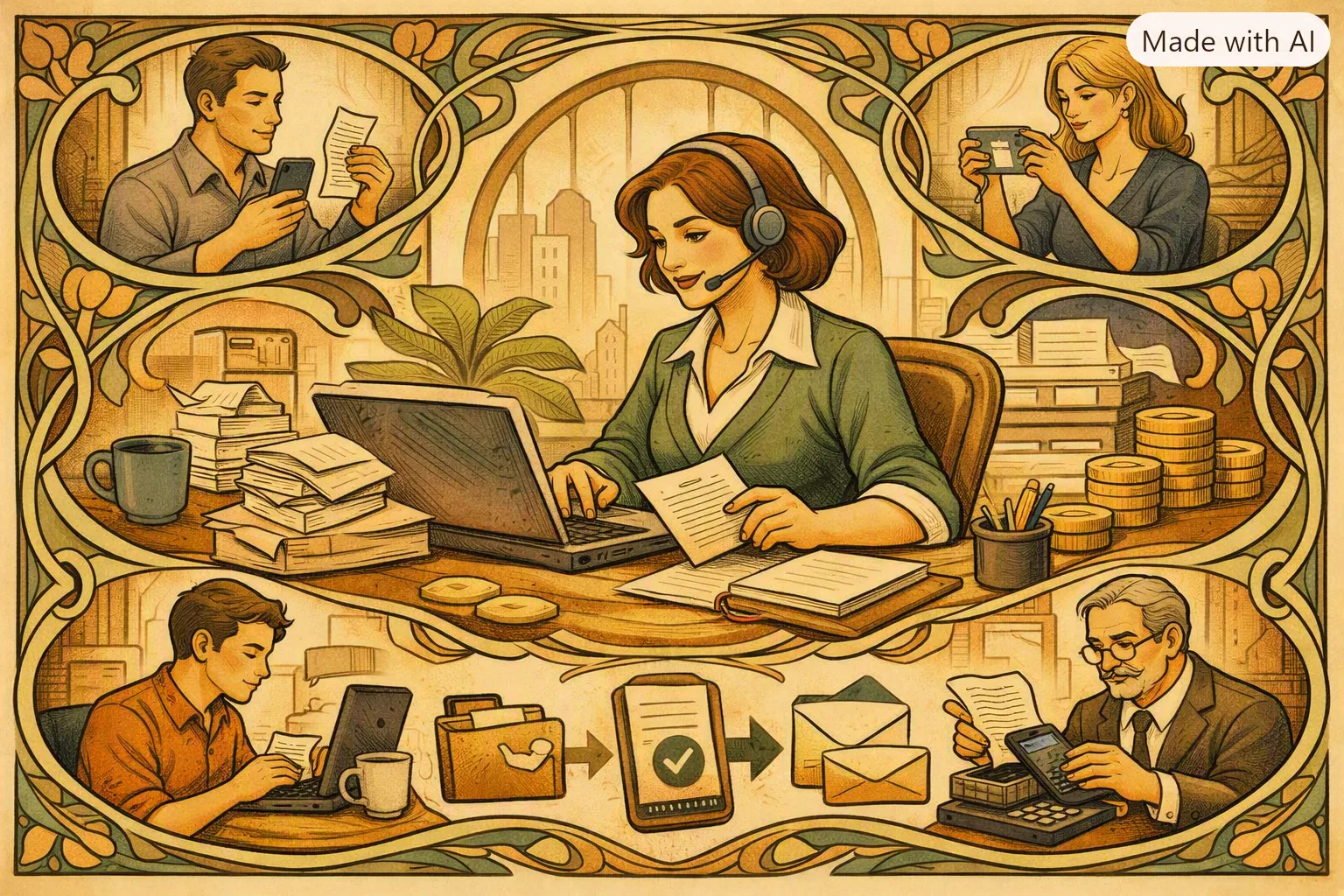
We're excited to announce Business Mode — a paid team plan that gives one Admin a private, per-seat workspace for tracking a team's expenses, with every worker filing their own receipts and one consolidated bill for the accountant.
Key Takeaways
- Business Mode is a new team plan — one Admin manages a private workspace for up to 50 workers
- Every worker's receipts stay private — a Member sees only their own scans; the Admin sees everyone's
- Per-seat billing, no promo — $6 per seat per month, picked with a slider at signup, one consolidated bill
- Built for field and distributed teams — the kind of small business that hands out paper expense report forms today
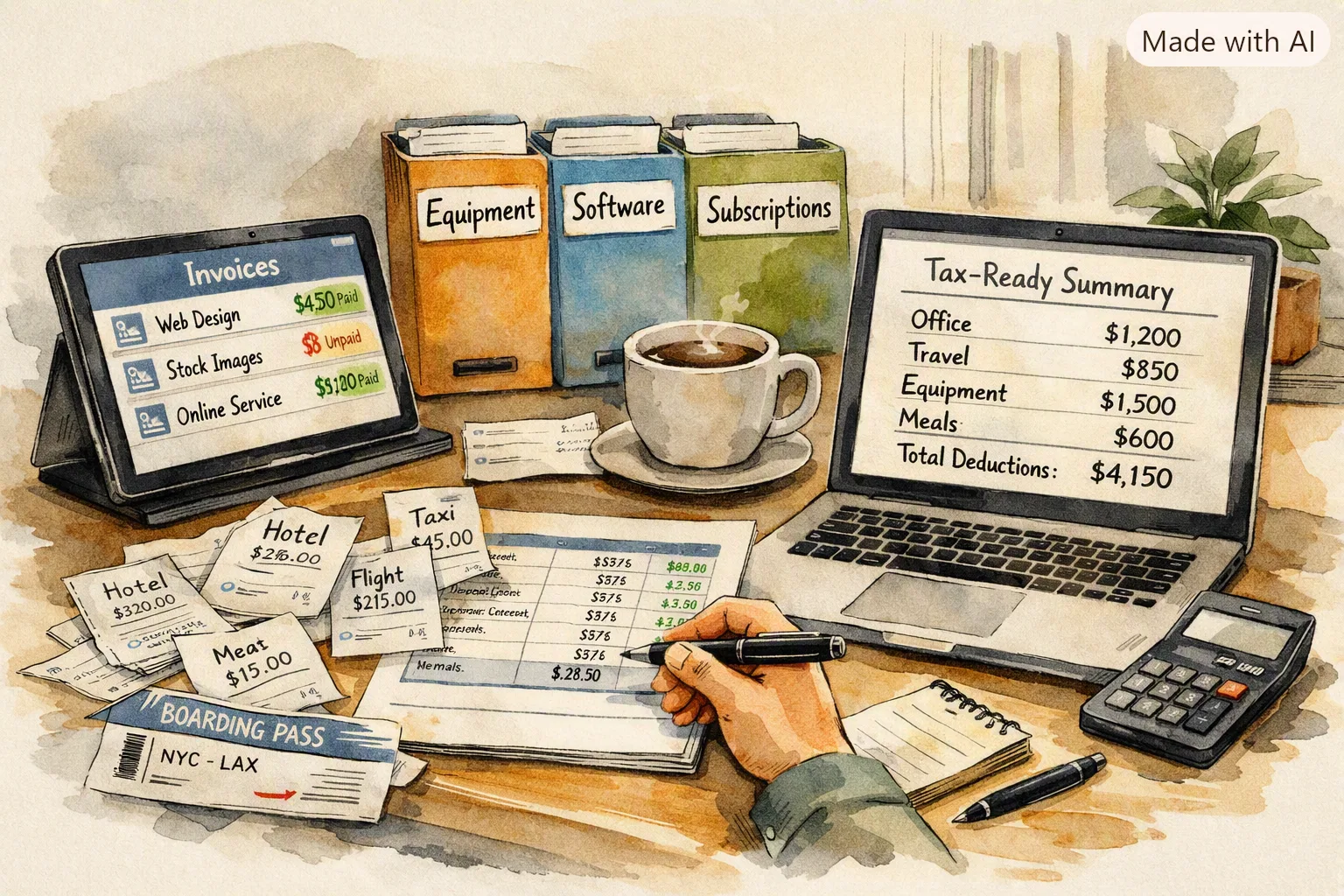
- One-click export for the accountant — the Admin pulls the whole team's data into a single report
- Web-only purchase — set up billing and manage seats at yomio.app, then invite your team from the app
callout.info
Yomio's existing Family Sharing is built on trust — every member sees the whole household's spending. A business team needs the opposite: a worker's receipts are their own business, and only the Admin needs the full picture. Business Mode is a separate plan built around that different privacy rule from the ground up.
The Problem
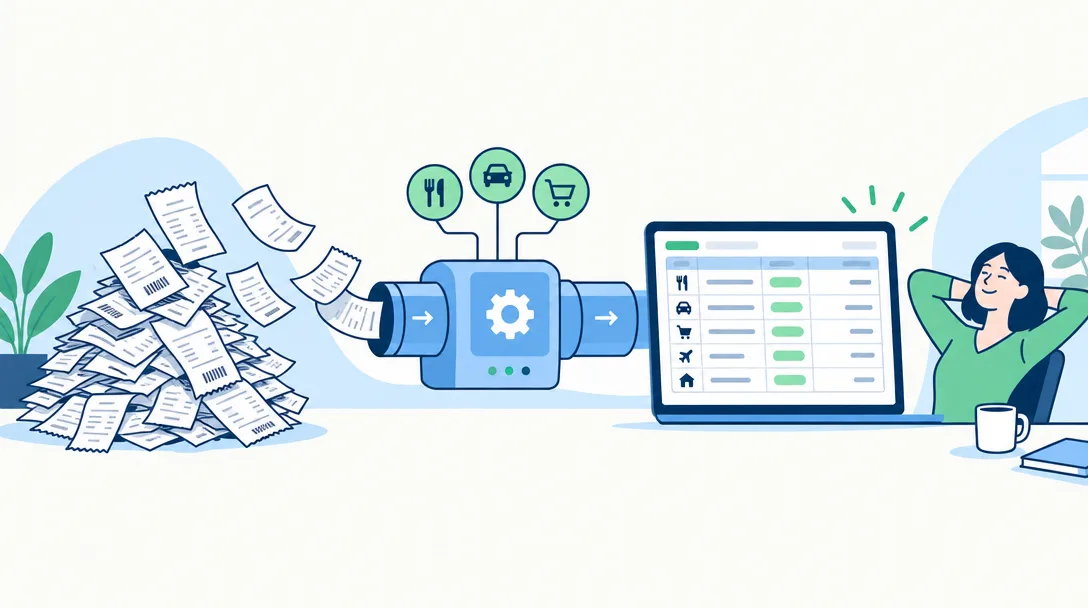
Picture a recycling company with twelve field workers. Every one of them buys job-site necessities — gloves, fuel, replacement parts, permits — out of pocket, then keeps the paper receipt. Every Friday, twelve people fill out a paper expense report, and someone in the office keys it all into a spreadsheet by hand before it goes to the accountant.
That process is slow, error-prone, and it does not scale past a handful of people. It also has a second, quieter problem: none of these workers want their coworkers browsing their gas station and lunch purchases, and the company does not want to buy a "shared family" plan where everyone sees everyone else's spending just to get one expense sheet.
What the team actually needs:
- Each worker scans their own receipts the moment they buy something, from their phone
- Nobody but the Admin — the office manager, the owner, or the accountant — sees the full picture
- One bill for the whole team, not twelve separate subscriptions
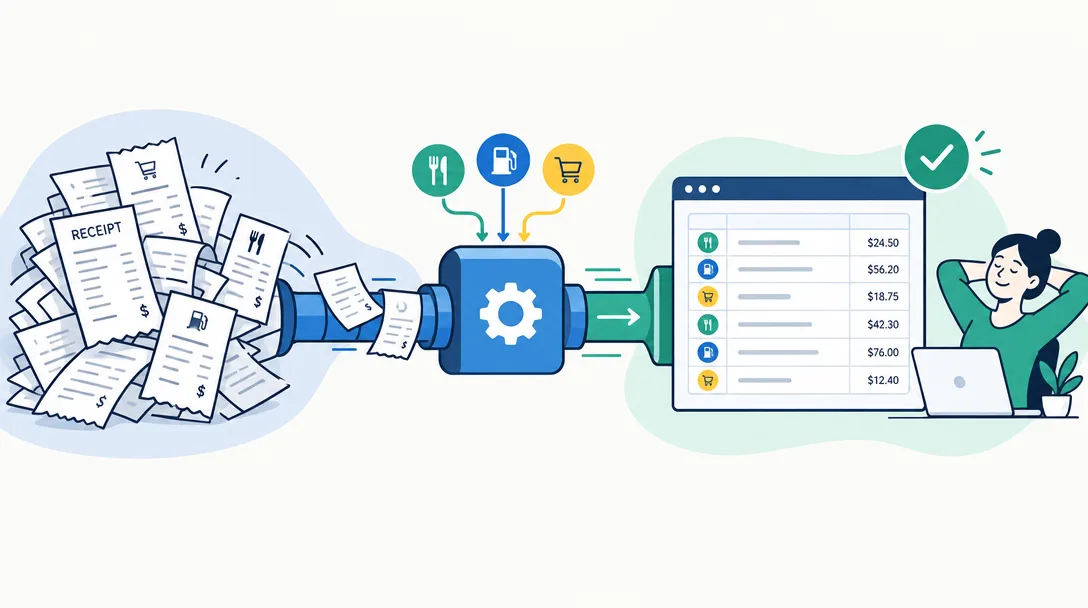
- A report the Admin can hand straight to the accountant, without re-typing anything
How Business Mode Works
1. The Admin sets up the workspace
From the web, the Admin picks a seat count with a slider — anywhere from 1 to 50 — and pays $6 per seat per month on one consolidated subscription. There is no promo pricing and no in-app purchase path; Business Mode sells on the web only, because Apple's and Google's in-app purchase systems don't support a subscription with a variable seat count.
2. The Admin invites the team
Invitations use the same invite-token flow Yomio already uses for Family Sharing, extended to send several invitations at once from one screen. A worker cannot join once the group is at its purchased seat count — the Admin adds seats first, then invites.
3. Workers scan their own receipts
Each Member scans and files receipts exactly like any Yomio user does today. The difference is scope: a Member's queries — their expense list, their analytics, their history — are limited to their own data. They never see a coworker's purchases.
4. The Admin sees everything and exports it
An Admin — and a group can have more than one, so the company can add its accountant as a second Admin — sees every Member's receipts and can export the whole team's data in one action. In v1, export is on-demand from inside the app; there is no scheduled or auto-emailed report yet.
callout.tip
A Business group is not limited to a single Admin. Add your bookkeeper or accountant as a second Admin and they get the same full-team visibility and export access you do — no separate accountant role required.
Who Business Mode Is For
Business Mode is built for small businesses with field or distributed teams — the ones currently running expense tracking on paper forms and a spreadsheet:
- Field service and trade crews — recycling, landscaping, HVAC, cleaning, and delivery teams where each worker buys job-site necessities on the go
- Small retail or hospitality operators — multiple locations or shifts, one owner who needs a consolidated view
- Any small team replacing paper expense reports — if "fill out a form every Friday" describes your process today, Business Mode replaces the form with a scan
Business Mode vs. Family Sharing
It's worth being explicit about why this is a new plan rather than a bigger Family Group, since the two look similar on the surface:
| Family Sharing | Business Mode | |
|---|---|---|
| Who sees what | Every member sees the whole group's spending | Members see only their own; Admins see everyone's |
| Roles | All members equal | Admin and Member, assignable to anyone |
| Billing | One subscription per household | Per-seat, 1–50 seats, one consolidated bill |
| Built for | Households sharing one budget | Teams that need centralized reporting without shared visibility |
callout.warning
Business Mode is a separate account type, not a bigger Family Group. If you're on Family Sharing today and need a business workspace instead, you'll set up a new Business group rather than raising your family's member cap.
Getting Started with Business Mode
- Set up your workspace — go to yomio.app, choose your seat count with the slider, and complete checkout
- Invite your team — send single or batch invitations from the web or app; assign the Admin role to anyone who needs full visibility
- Start scanning — each worker scans receipts from their phone the same day they spend
- Export for your accountant — pull a weekly or monthly report whenever you need one
Take Control of Your Spending Today
Full setup steps, including how to invite in a batch and what a Member's view looks like next to an Admin's, are in the Business Mode user guide.
Further Reading

How to Track Business Expenses as a Freelancer
A system for keeping business receipts organized before tax season.

What is Yomio? An AI-Powered Receipt Scanner
Learn about the core receipt scanning and expense tracking feature Business Mode builds on.

Introducing Yopilot: Your AI Copilot for Smarter Spending
Chat with your expense data in plain language.
Why We Built Business Mode
Two requests pushed us to build this: businesses asking us to raise the Family Group member cap, and a company with a dozen field workers asking for a shared, admin-managed workspace where each worker's data stays private. Raising the family cap would not have solved the second problem — Family Sharing's whole design assumes everyone sees everyone's spending, which is exactly wrong for a team of coworkers.
Business Mode is a separate product built around the rule small teams actually need: private data at the worker level, full visibility at the Admin level, and one bill at the end of the month.
About the Author
Alex Chen is a product manager and personal finance advocate with over 10 years of experience building consumer fintech products. Alex has helped design AI-powered financial tools used by millions of people worldwide and is passionate about making financial insights accessible to everyone. When not analyzing spending patterns, Alex enjoys hiking, cooking, and teaching financial literacy to local high school students.
Last updated: August 22, 2026
Related topics: business mode, team expense tracking, small business expenses, per-seat billing, field team receipts, accountant export, admin workspace, business expense reports
Compare to: Expensify team plans, Ramp expense management, QuickBooks expense tracking, Zoho Expense, SAP Concur, Emburse