Yomio Business Mode Pricing: What a Seat Includes
See how Business Mode prices team seats, what the plan includes, and which expense workflows need a separate system.

Alex Chen
Product Manager & Personal Finance Advocate
Yomio Business Mode Pricing: What a Seat Includes
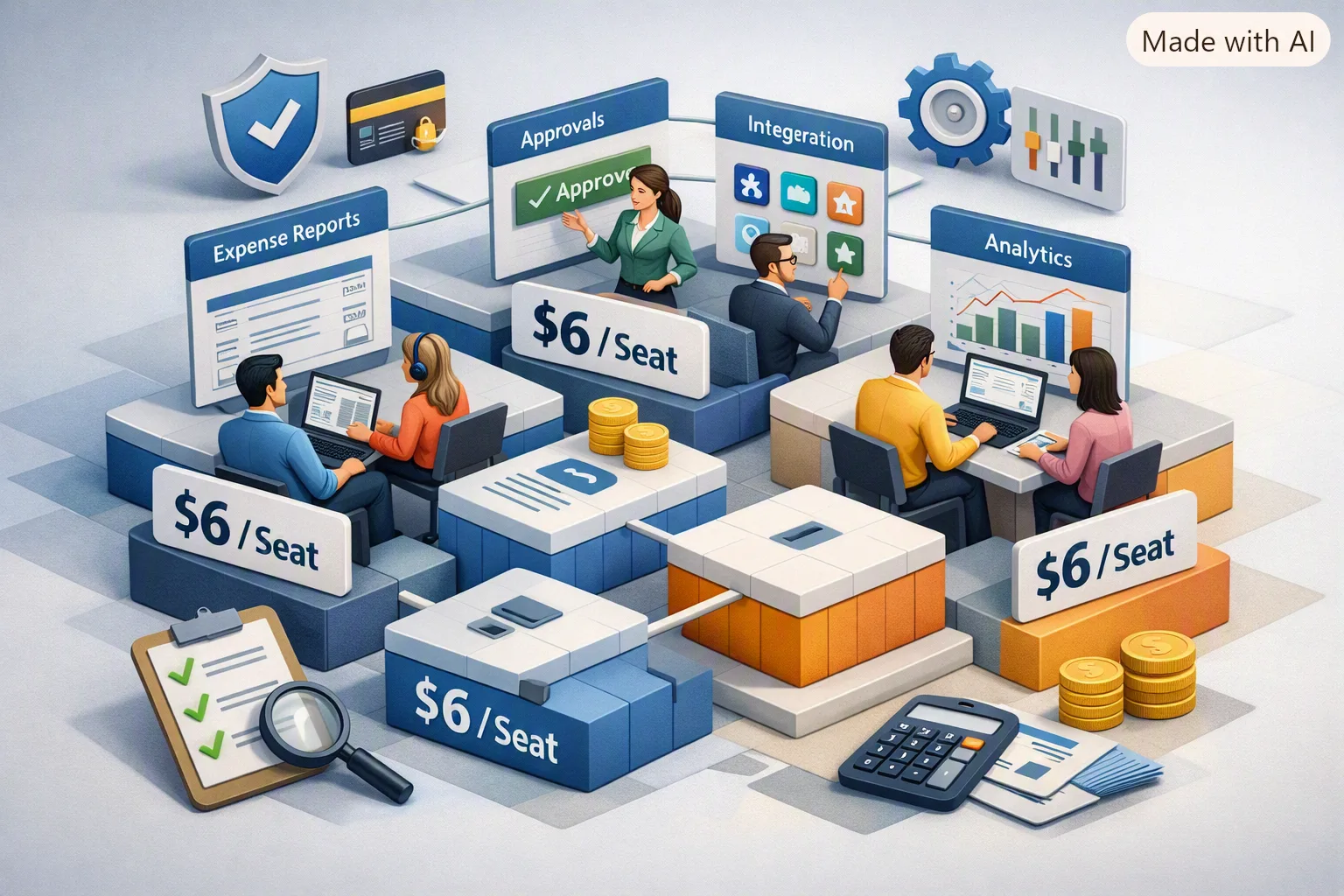
Business Mode uses one subscription price per seat, with a choice of monthly or yearly billing. In U.S. dollars, the current base rates are $6 per seat each month or $60 per seat each year; the pricing page shows the applicable currency and current total for the selected seat count.
Business Mode is for collecting and reviewing team receipt records. It includes Admin and Member roles, team invitations, expense exports, and mobile access. It does not provide a corporate card, reimbursement payment, location-level accounting, or a live QuickBooks/Xero connection.
How the seat price works
The pricing page lets a buyer choose from 1 to 50 seats. The selected count multiplies the per-seat price; there is no minimum team size above one seat. At the U.S. rates, for example, a team that selects 10 seats pays $60 per month or $600 per year before any applicable tax.
The yearly U.S. rate totals $60 per seat for the year, compared with $72 for twelve monthly payments at $6 each. Check the current Business pricing page for the displayed regional currency, billing terms, and total before checkout.
What seats include
- Receipt scanning and expense records for team members
- Admin and Member roles with different data visibility
- Team invitations and an Admin view of team records
- Export of expense data as CSV
- Mobile access
The plan charges the same seat rate regardless of whether a seat has the Admin or Member role. Check the current pricing details for any scan allowances or other plan limits.
Adding and reducing seats
The billing owner can increase the purchased seat count through self-service controls. Additional seats are subject to a prorated charge for the remaining billing period. Reducing the purchased seat count requires contacting support under the current billing workflow. Confirm the latest terms before changing your subscription.
Compare the plan with your workflow
Before choosing any team expense product, write down which records you need, who must see them, how they will be reviewed, and how they reach accounting. Ask whether exports are files or direct integrations, whether a product pays reimbursements, and whether required location or project fields are available.
Business Mode can collect receipt records, support optional approval, send weekly or monthly summary emails, and export CSV files for a separate bookkeeping process. Use another system if your workflow needs location coding, automatic approval rules, card controls, reimbursement payments, or direct accounting synchronization.
Warning
A lower per-seat price with a mandatory 10-seat minimum can cost more than a higher per-seat price with a true 1-seat minimum, for a small team. Always multiply by your actual headcount, not the marketing example.
Tip
Like most per-seat billing, Business Mode's self-serve control only increases seat count — the billing owner adds seats any time from the web account dashboard, charged an immediate prorated amount. Reducing seat count, or removing the workspace, currently requires contacting support. Confirm this policy with any tool before committing, since it affects how easily your cost can come back down if the team shrinks.
Last reviewed: September 27, 2026.
Check the current Business Mode price
Select your seat count and billing period to see the current total and regional currency.
View Business pricing