Expense Records for eBay and Etsy Sellers
Keep purchase receipts, marketplace statements, shipping costs, and business records organized without treating expense records as a profit report.

Alex Chen
Product Manager & Personal Finance Advocate
Expense Records for eBay and Etsy Sellers
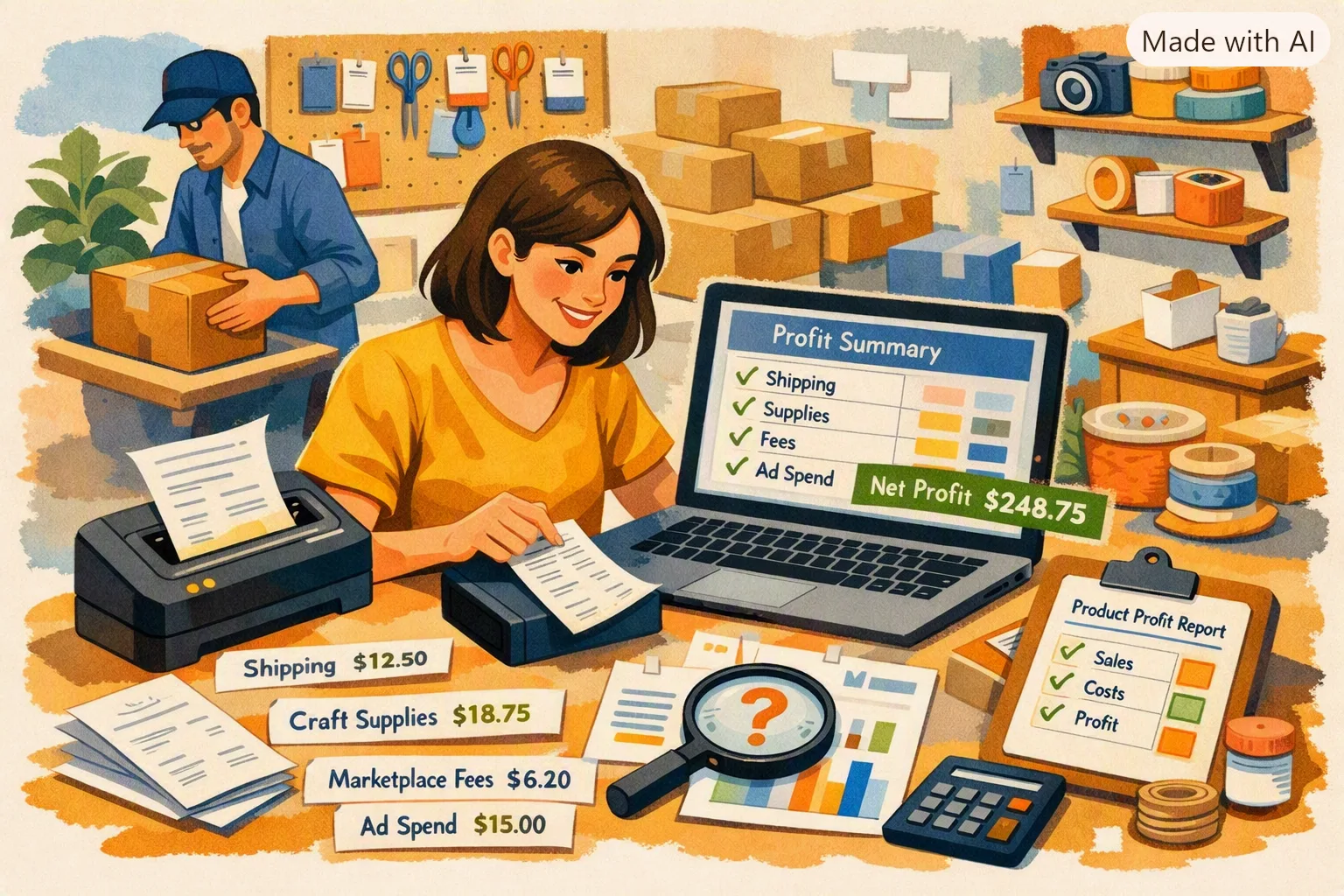
Keep purchase receipts, marketplace statements, shipping records, and refunds together, then reconcile them in the bookkeeping system you use for the business. A receipt scanner can help capture purchase expenses, but it cannot calculate product-level profit without sales, inventory, fees, refunds, and other records.
Yomio records receipt-based expenses; it does not track marketplace revenue, product inventory, seller fees, or profit margins. Use the current Etsy fee policy or eBay seller fee information for platform-specific charges because rates and terms can change.
Keep the source records for each type of activity
Purchase expenses
Save receipts and invoices for inventory, packaging, office supplies, equipment, and other business purchases. Review the merchant, date, amount, currency, and items against the source document.
Marketplace sales and fees
Download or save each marketplace statement with its reporting period. Keep the sales total, refunds, transaction fees, payment processing charges, advertising charges, and shipping adjustments as reported by the platform. Do not estimate these amounts from a generic rate if an official statement is available.
Shipping and postage
Keep shipping-label charges, postage receipts, carrier invoices, and refund or adjustment records. Match them to the orders or accounting categories used in your books.
Inventory and product costs
Use an inventory or accounting system to connect units purchased, units sold, returned items, and cost of goods sold. A purchase receipt by itself does not show when an item was sold or how many units remain.
Reconcile on a regular schedule
Choose a period that fits your bookkeeping process. Compare marketplace statements with deposits, expense receipts with card or bank statements, and refunds with the related sales. Investigate differences before using totals in financial or tax reports.
If you use a receipt app, check that its export contains the fields your accounting workflow needs. Yomio can export receipt-based expense records, but it does not post marketplace transactions to accounting software or replace reconciliation.
Recordkeeping arithmetic · no tax rules
Summarize amounts you enter
Use the same currency and time period for every amount. The result subtracts entered expenses from entered gross income; it does not convert currencies or calculate tax.
Expenses for the same period
Keep tax and platform rules separate
Tax treatment depends on your location, business structure, records, and circumstances. Use the relevant tax authority’s guidance or ask a qualified professional about reporting income, fees, inventory, and deductions. Check platform terms directly for current selling fees and seller policies.
Tip
The fastest way to improve seller profit tracking is not a bigger dashboard. It is same-day receipt capture tied to clear categories — so fee leakage becomes visible instead of invisible.
Last reviewed: September 27, 2026.
Capture purchase receipts
Yomio can help record receipt-based expenses. Keep marketplace statements, sales, inventory, and bookkeeping in the systems designed for those records.
Explore expense tracking