Freelancer Expense Tracking: Keep Receipts and Records Organized
Build a simple freelancer expense workflow, keep source receipts with corrected records, and use a separate system for income and tax calculations.

Alex Chen
Product Manager & Personal Finance Advocate

Freelancer Expense Tracking: Keep Receipts and Records Organized
Keep each work expense connected to its receipt, date, amount, merchant, and business context, then review the record against your statements. Use a separate accounting or invoicing system to track income and prepare financial reports.
Yomio records receipt-based expenses and lets users review expense details. It does not track freelance income, decide whether a purchase is deductible, calculate estimated taxes, or generate tax-ready reports. For U.S. recordkeeping, the IRS describes business record systems in Publication 583; rules and filing duties depend on your facts and location. The IRS also provides a recordkeeping overview explaining that records must support the income and expenses reported.
Build an expense workflow you can maintain
1. Capture the source document
Save a clear receipt or invoice when you make a work purchase. Keep the original file or paper record in line with the recordkeeping rules that apply to you.
2. Check extracted details
Receipt scanning can reduce manual entry, but extraction may be incomplete or incorrect. Confirm the merchant, date, total, currency, and relevant line items against the source image.
3. Add context outside the receipt
A receipt may show what was purchased without explaining how it relates to your work. Keep a separate note, project record, or accounting entry for business purpose and any allocation between work and personal use. For U.S. vehicle, travel, and meal records, see IRS Publication 463; substantiation requirements vary by expense.
4. Reconcile regularly
Compare captured records with card statements, bank statements, invoices, and your accounting ledger. Resolve duplicates and missing receipts while the transaction is still easy to identify.
5. Keep income in its own system
Track invoices, customer payments, platform payouts, refunds, and unpaid balances in an invoicing or accounting tool. Receipt expense records alone cannot show your revenue or profit.
Keep tax decisions separate from receipt capture
The tax treatment of an expense can depend on jurisdiction, business structure, purpose, personal use, and supporting evidence. Do not treat a category label or a scanned receipt as a decision that an expense qualifies for a deduction. Check the current rules from the relevant tax authority or speak with a qualified tax professional.
For U.S. federal taxes, the IRS recordkeeping guidance is a starting point, not a substitute for reviewing the rules for a particular expense or return. People outside the United States should use their own tax authority’s guidance.
Recordkeeping arithmetic only
Compare entered income and expenses
Enter amounts in the same currency and period. This tool shows totals and their arithmetic difference only. It does not calculate tax or decide what is deductible.
Use the same currency for every amount. This tool does not convert currencies.
U.S. federal recordkeeping only
Organize records for review
Choose records you want to gather. This checklist does not decide whether an expense is deductible or reportable.
0 / 6
Choose tools by the job they perform
Use an expense tool for receipt capture and review. Use accounting or invoicing software for income, accounts receivable, reconciliations, and reports. Before adopting any tool, confirm that its exports, access controls, and retention options meet your own requirements.
Insight
This guide covers expense and receipt records. Keep income invoices and payment confirmations in the system you use for your business, then reconcile those records with your expense documents.
Tip
For purchases with both personal and work use, keep the receipt and your own notes about how you used the item. Yomio records expenses, but it does not calculate a deductible business-use share.
Information
An export is a file you can review and share with an accountant or import into another tool. Confirm which columns and attachments the current export contains, and check the receiving system's import requirements.
Keep receipt-based expenses together
Use Yomio to capture and review expense records. Track invoices, income, and tax calculations in the systems designed for those tasks.
Explore expense trackingFurther Reading
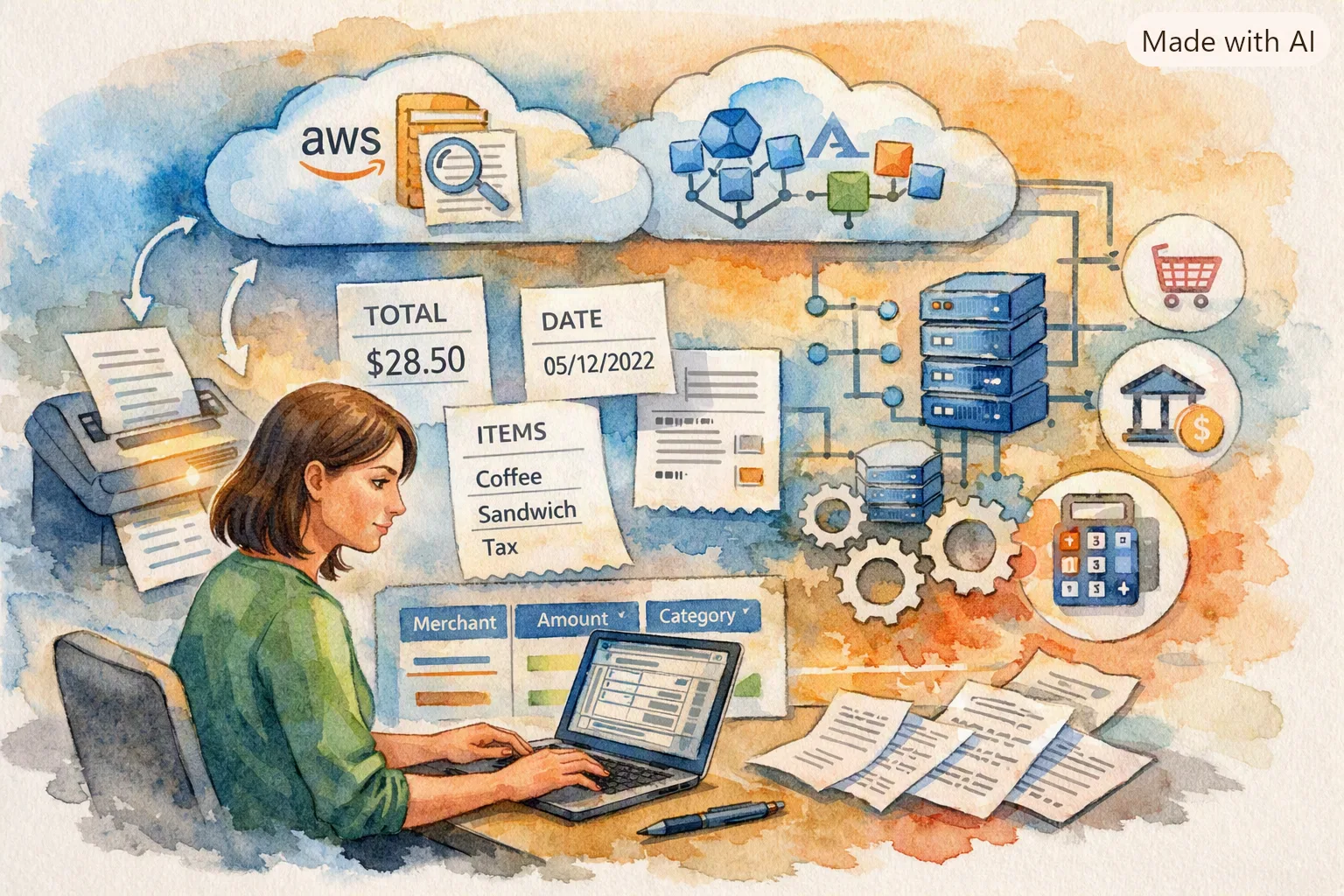
How Receipt Parsing Works: Inside Yomio's OCR Pipeline
How every scanned receipt becomes a structured deduction record.

Family Budgeting: How Shared Accounts Stop the "Who Spent What" Fight
For freelancers with family — keep business and household finances in the same app.

Yomio Features to Know: Receipt Capture, Budgets, and Expense Review
Review how Yomio helps freelancers record expenses, check receipt details, and organize records.
Last reviewed: September 27, 2026.