Multi-Currency Travel Expense Tracking: Keep Amounts Clear Abroad
Record travel expenses in their original currency, understand card conversion and fees, and review any converted totals without confusing estimates with final charges.

Alex Chen
Product Manager & Personal Finance Advocate

Multi-Currency Travel Expense Tracking: Keep Amounts Clear Abroad
Record the amount and currency shown on the receipt, then keep the final card charge and any conversion fee as separate information when it becomes available. A card issuer or network may convert the transaction on a processing date that differs from the purchase date, so an estimate made during the trip may not match the posted charge.
A simple routine helps you avoid mixing local prices, home-currency estimates, and actual statement amounts. It also makes a post-trip review easier without assuming that an app can predict the final amount your bank will charge.
Record the original amount first
For each purchase, save the merchant, date, total, and currency shown on the receipt. Keep the receipt image or paper copy when you need the supporting detail.
For a card purchase, check the posted statement later and record the final home-currency amount and any fee separately if your tracking system supports those fields. Do not replace the original receipt amount with an estimate; keeping both values makes the conversion visible.
For cash, record the amount paid in local currency. If you exchanged cash, keep the exchange receipt and note the amount received, rate, and any separate exchange fee. Avoid counting both the ATM withdrawal and each cash purchase as spending if the withdrawal is only the source of the cash you later spend.
Understand what a card conversion includes
The amount on a local receipt and the amount eventually charged to your account can differ because the conversion rate and fees depend on the payment method and processing details. The Consumer Financial Protection Bureau explains foreign transaction fees and recommends checking the agreement for the card you plan to use.
A card-network calculator can help you estimate a conversion, but an estimate is not a promise about the amount or date your issuer will use. For example, Visa's exchange-rate calculator lets you enter a transaction amount and review an estimated conversion. Check your own card terms for foreign transaction fees and how the rate is applied.
When a payment terminal offers to charge in your home currency, compare the displayed amount with the local-currency option. The conversion terms may differ from those set by your card issuer. Keep the receipt so you can compare the final transaction after it posts.
Separate three numbers in your travel notes
A useful travel record can hold three values:
- Receipt amount: the amount and currency printed by the merchant.
- Planning estimate: your own approximate home-currency conversion for budgeting during the trip.
- Posted amount: the final home-currency charge shown by your card or account, including any separately listed fee.
These values answer different questions. Use the receipt amount to remember what the merchant charged, the estimate to plan remaining spending, and the posted amount to reconcile the trip after you return.
Set a budget in one consistent currency
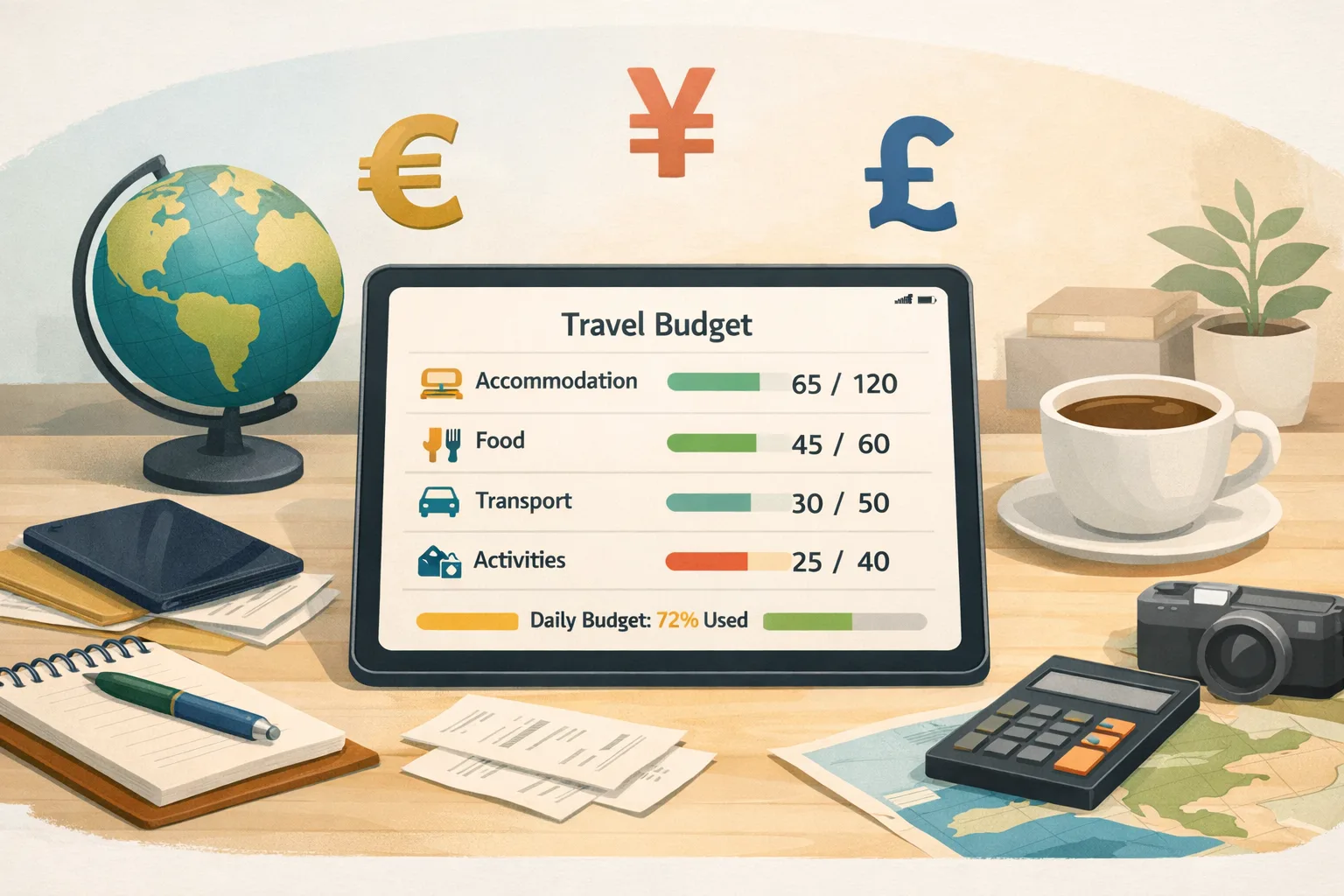
Pick one currency for your total trip budget and keep category amounts in that same currency. If you plan daily spending, divide the total budget by the number of trip days. This is a simple planning average, not a recommended spending target, a currency conversion, or a prediction of actual costs.
Use the calculator below with one currency throughout. It divides the total you enter by the trip length; it does not fetch exchange rates or convert between currencies.
travelCalculator.badge
travelCalculator.title
travelCalculator.subtitle
travelCalculator.currencyNote
travelCalculator.selectPrompt
When you compare spending with your plan, use a consistent basis. For an in-trip check, use your planning estimates; for a final review, use the posted amounts and fees from your statements.
Use a multi-currency expense app carefully
Some expense apps store the currency shown on each receipt and display an additional converted amount in a preferred currency. Check how the product chooses its rate, which date it uses, how it handles missing rates, and whether it keeps the original value visible.
Yomio stores an expense's currency and can show a converted amount in the user's primary currency using a historical rate associated with the purchase date. The conversion supports expense review; it does not determine the final amount charged by a bank or card issuer. Yomio does not connect to bank accounts, so it cannot retrieve the final posted amount automatically. Add or check that amount manually if you need it in your records.
Yomio also does not create trip budgets or categorize costs based on destination. Use its receipt and manual-entry workflows to record expenses, then compare them with your own travel plan.
After the trip, reconcile before comparing destinations
Once card transactions have posted, compare each receipt with the relevant statement entry. Record the final amount and fee where applicable, and flag any item that does not match.
For future trip planning, compare like with like: the same currency basis, similar trip length, and the same categories. Keep one-off charges, cash exchange fees, and card fees visible instead of burying them in a general category.
Insight
A planning conversion helps you compare purchases with a trip budget, but it is not the final amount your card issuer will post. Keep the receipt amount, your planning estimate, and the posted amount as separate values when your records support them.
Tip
There is no universal buffer that fits every destination or trip. If you want a contingency amount, choose it from your expected costs, card terms, and tolerance for uncertainty, then keep it separate from planned spending.
Information
Yomio can display a reference conversion for expense review. The rate and processing date used by a card issuer may differ, and the issuer may also charge a fee. Check your card agreement and statement for the amount that was actually charged.
Keep travel receipts with the expense record
Use Yomio to record receipt details or enter an expense manually, then review the converted amount alongside the original currency.
Explore YomioCommon questions
Should I convert every receipt to my home currency?
Keep the original amount and currency. You can also record a planning conversion or the posted amount, but label each value so you know which one is an estimate and which one came from your statement.
Will a receipt app show the same amount as my bank statement?
Not always. The app may use a historical reference rate, while the issuer or network uses its own rate and processing date and may apply a fee. Use the posted statement amount to reconcile the card charge.
Can I budget in more than one currency?
You can plan in the currency that is easiest for you, but keep each calculation consistent. The calculator on this page divides an entered total by the trip days; it does not convert currencies.
Related travel and tracking guides
Travel Expense Tracker: Build a Recordkeeping Routine
Set up a simple process to collect travel expense details and review the trip later.

OCR Receipt Scanner: What to Check After Capture
Learn which receipt fields to review before relying on a scan.

How Receipt OCR Turns an Image into Reviewable Data
See what receipt extraction can capture and why fields need review.