Nonprofit Expense Tracking for Grants and Programs
Organize nonprofit receipts by date, amount, activity, and funding source. Keep grant records traceable and reconcile expenses with your accounting system.

Alex Chen
Product Manager & Personal Finance Advocate
Nonprofit Expense Tracking for Grants and Programs
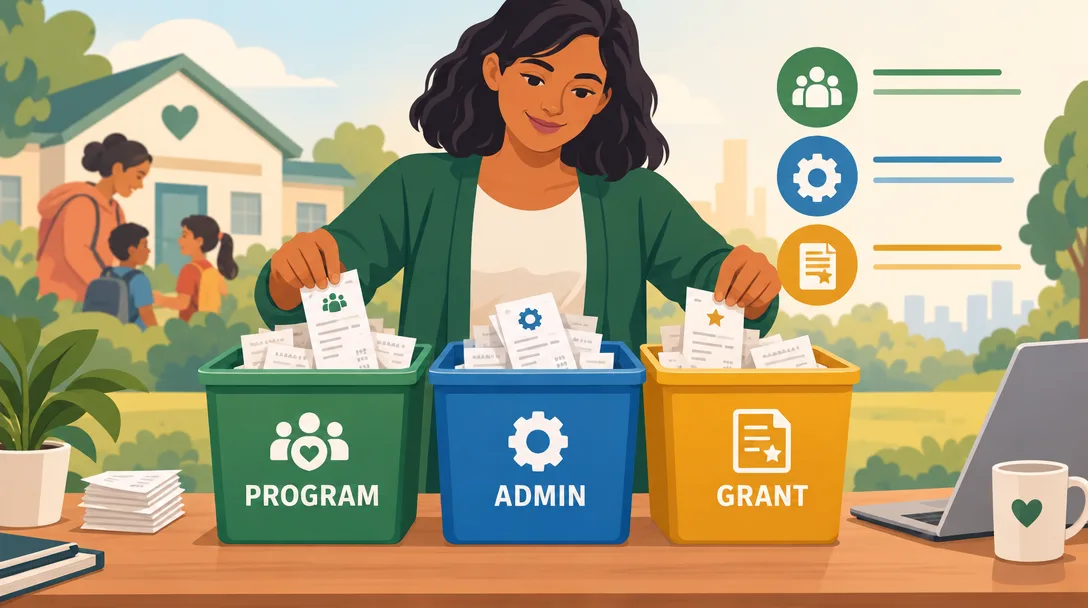
For reliable grant reporting, record each expense with its date, amount, vendor, business purpose, program, and funding source, then retain the supporting receipt. Reconcile those records with your accounting system and the applicable grant terms before reporting.
An expense-tracking app can help collect receipts and organize transactions. It does not decide whether a cost is allowable under a grant, allocate shared costs, or determine how an expense must be reported on Form 990. Those decisions depend on the award terms, your organization’s accounting policies, and applicable rules.
Understand the reporting categories
If your organization files Form 990, Part IX reports functional expenses in program services, management and general, and fundraising columns. The IRS instructions for Form 990 say to use the organization’s normal accounting method or another reasonable allocation method, and to document the method.
Federal awards can also have rules for allowable costs, cost allocation, and record retention. Check the award terms and current Uniform Guidance at 2 CFR Part 200. Do not assume that every grant uses the same cost categories, reporting dates, indirect-cost rate, or retention period.
Set up a traceable expense record
For each purchase or reimbursement, retain the original receipt or invoice and record:
- Transaction date, amount, currency, and vendor.
- What was purchased and why it supported the organization’s work.
- The program or activity that benefited.
- The funding source, award, or unrestricted account that paid for it.
- The person who made or approved the purchase, when relevant.
- The allocation method and calculation when a cost is shared.
Use the same names for programs, awards, and expense categories in receipts, spreadsheets, and accounting records. If the expense tool cannot store a required grant code or program field, keep that information in a controlled accounting record and link it to the transaction using a stable reference.
Capture receipts when the details are clear
Ask the person who made the purchase to submit the receipt soon after the transaction. They can identify the activity and purpose while those details are still easy to confirm.
A simple workflow is:
- Save or scan the receipt.
- Record the purpose and program or activity.
- Identify the funding source using the award’s own terms.
- Route the expense for approval if your policy requires it.
- Reconcile it in the accounting system and resolve missing details.
Yomio Business Mode lets team members capture receipts and lets an admin export expense records in CSV formats for accounting workflows. Its export is transaction-level data, so add or map grant and program details in your accounting system where needed. Yomio does not determine allowability or prepare Form 990 allocations.
Review shared costs and allocations
Some costs benefit more than one program or funding source. Use a consistent, reasonable method that reflects the benefit received and meets the relevant award and accounting rules. Keep the calculation, supporting records, and approval with the transaction.
Do not split a cost by an arbitrary percentage just to use a grant balance. If you cannot explain how a cost was allocated, ask your finance lead, accountant, or grant administrator before charging it to an award.
Reconcile on a schedule that fits the award
Review transactions often enough to meet each grant’s reporting and closeout requirements. A monthly check can help find missing receipts or coding errors while staff still remember the purchase. Use a shorter schedule if your grant agreement or internal controls require it.
During reconciliation, compare the expense record with the bank or card statement, receipt, accounting entry, and award budget. Check for duplicate records, refunds, shared costs, and transactions assigned to the wrong program.
For federal awards, 2 CFR 200.334 generally requires recipients and subrecipients to retain award records for three years from submission of the final financial report, with exceptions. Other funders, state rules, litigation, audits, or organizational policies may require a different period. Check the applicable terms before disposing of records.
Export and map records to accounting software
Yomio can export transactions in a QuickBooks-compatible CSV format. QuickBooks Online supports CSV and spreadsheet imports for certain data types, but the accepted format and field mapping depend on the import option you select. See Intuit’s current QuickBooks Online import guidance.
The QuickBooks export contains transaction-level fields. Review a sample file and confirm the date, description, amount, account, and currency treatment before importing it into your books. Do not assume that a CSV transfer assigns expenses to a grant or produces compliant Form 990 totals.
Tip
Do not build a perfect categorization system and then train staff. Instead, start with one small grant or program fund, have the team submit real receipts in week 1, and refine your category list based on what they actually spend. A working system used consistently beats a perfect system that staff avoid because it's too complicated.
Make receipt capture easier for your nonprofit team
Yomio Business Mode helps teams capture receipts and export transaction records for your accounting workflow.
Explore Business ModeFrequently Asked Questions
Does a receipt app make an expense allowable under a grant?
No. The receipt supports the record, but allowability depends on the award terms and applicable rules. Keep the business purpose and allocation details with the expense.
Should we use the same categories for every grant?
Use categories that fit your accounting system, then map them to each award’s reporting requirements. Award terms and funder templates can differ, so document the mapping and update it when requirements change.
How long should we keep grant receipts?
Follow the grant agreement, relevant law, and your records policy. Federal awards generally use the retention period in 2 CFR 200.334, which has exceptions and begins from the final financial report date rather than each purchase date.
Can Yomio assign transactions to grants?
Yomio helps teams capture receipts and export expense records. It does not determine grant allowability or create grant-specific accounting allocations. Keep award codes and allocation details in a system that supports the fields your organization needs.
More from Yomio
- Track business expenses as a freelancer — organize business receipts and records.
- How to track expenses for taxes — keep supporting documents together.
- Expense tracking for consulting firms — track costs tied to client work.