Receipt Scanning vs Manual Entry: How to Choose
Compare receipt scanning and manual expense entry by detail, effort, and the information you need to keep.

Dima Hontar
Personal Finance Writer
Receipt Scanning vs Manual Entry: How to Choose
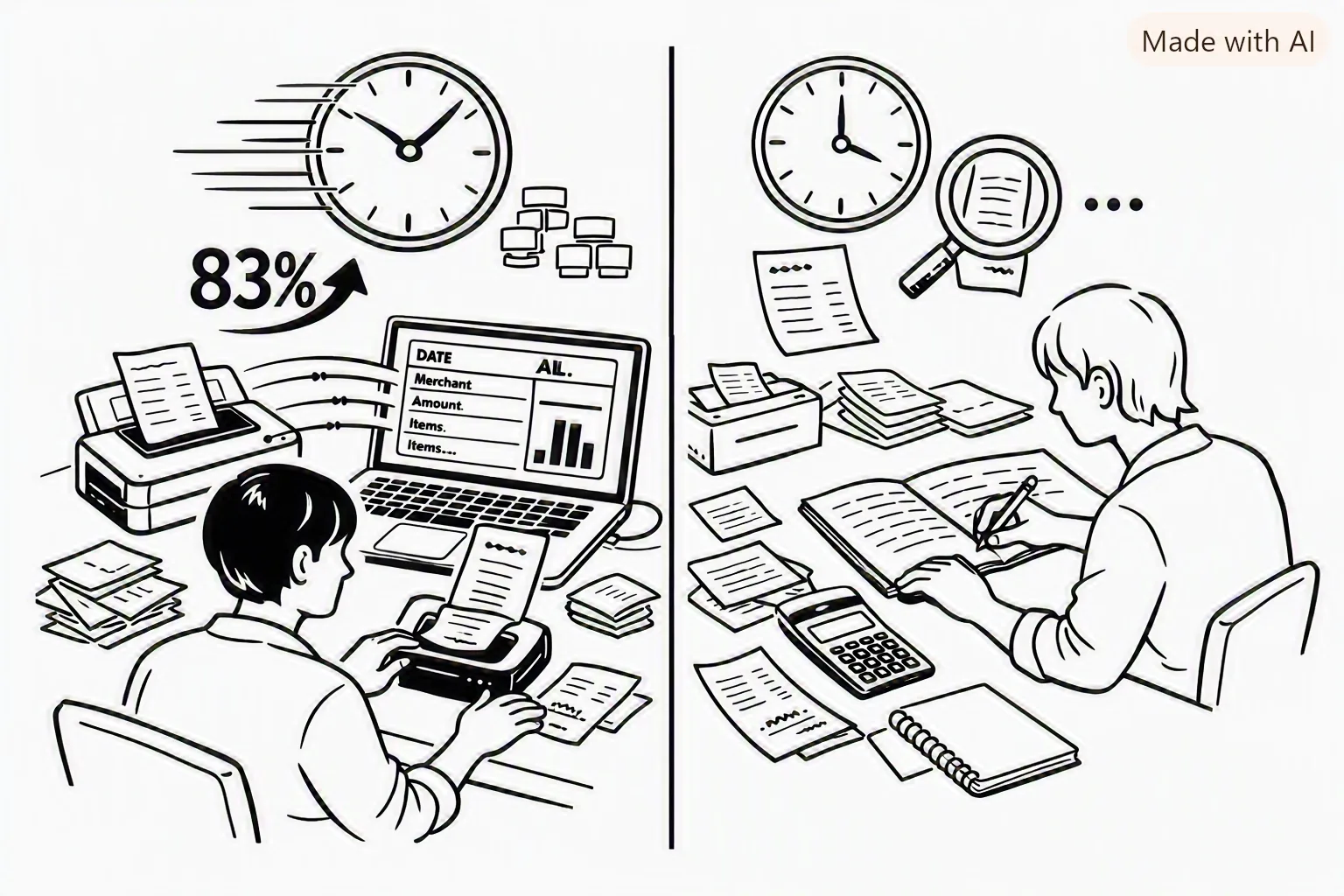
Receipt scanning is useful when you want to save receipt details, especially individual items; manual entry is useful when there is no receipt or you only need a simple total. Neither method guarantees a complete record without review. Choose the method that captures the information you need, then check the saved expense against the original purchase evidence.
What each method records
| Method | Useful for | Check before relying on it |
|---|---|---|
| Receipt scan | Capturing merchant, date, total, and available line items from a receipt image | Confirm the recognized fields and correct any reading or categorization errors |
| Manual entry | Cash purchases without a receipt, digital purchases, or a quick amount-only record | Enter the date, merchant, amount, currency, and any note you need later |
| Both | Keeping receipt evidence while adding context that is not printed on it | Make sure the receipt and expense refer to the same purchase |
When receipt scanning is a good fit
Scan a paper or digital receipt when you want to keep an image with the expense or review the items on the receipt later. Receipt extraction can save typing, but lighting, folds, print quality, layout, and language can affect what software recognizes. Review the result before saving it, and keep the original image when it matters for your records.
For a Yomio receipt, review the extracted merchant, date, total, currency, and item list. Correct missing or misread fields in the app. Do not assume that a scanned result is complete just because the receipt image was processed.
When manual entry is a better fit
Manual entry is practical when you paid cash and have no receipt, when a digital service does not provide a receipt image, or when a simple total is enough for your own review. For a purchase that needs item-level detail or proof, attach or scan the receipt as well when possible.
Build a routine you can maintain
- Capture the purchase soon after it happens, while the amount and purpose are easy to remember.
- Add a short note if the receipt does not show why you bought something or which project it belongs to.
- Review uncategorized or unclear entries once a week.
- Compare expense records with statements when reconciling an account.
- Follow the recordkeeping rules that apply to your situation; an app record does not decide whether a cost is deductible or reimbursable.
Use the method that gives you a reliable record with a reasonable amount of effort. For tax, reimbursement, or business reporting, confirm the rules with the relevant authority or a qualified professional.
Insight
The time difference depends on the number of receipts, how much detail you enter, and how many corrections a scan needs. Use the calculator below with times you measure from your own workflow; its result is an estimate based only on those entries.
Tip
Place the receipt on a flat surface, include its edges, and use even light without glare. Microsoft recommends a clear photo or high-quality scan for its receipt model. Review the extracted fields against the image because better lighting does not guarantee a complete result.
Information
Scanning may reduce typing when a receipt contains the fields you need, while manual entry can be simpler for a cash purchase or a quick total. Choose a method that fits the record you want to keep, then review it on a schedule you can maintain.
Compare time using your own estimates
Enter your own manual and digital time per item and number of items. The result uses only those assumptions.
FAQs
Keep receipts and purchase details together
Use Yomio to capture a receipt, review the extracted fields, and organize expense records in one place.
Try Receipt ScanningFurther Reading

How Receipt Parsing Works: Inside Yomio’s OCR Pipeline
A current overview of Yomio’s receipt capture and review flow.
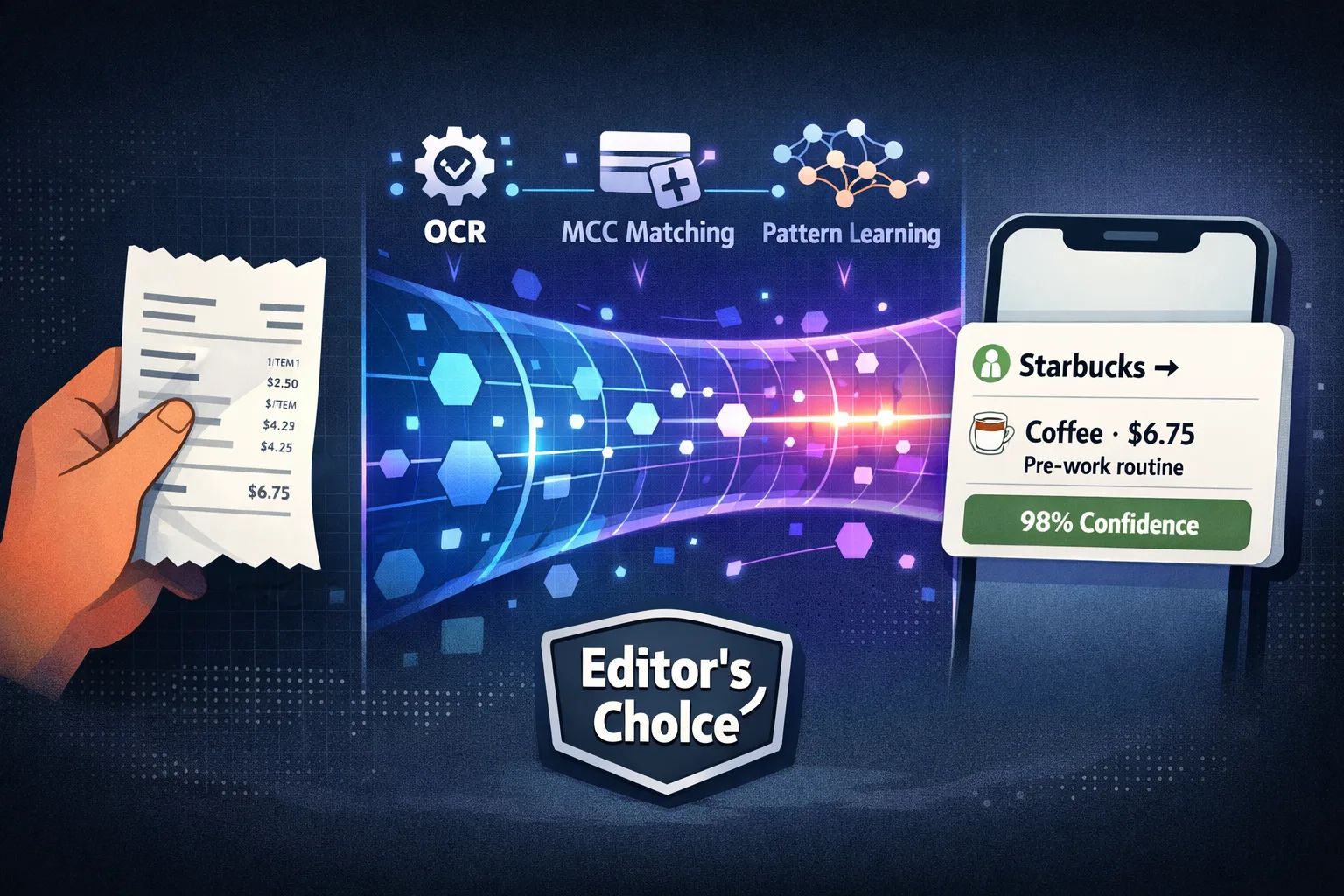
Automatic Expense Categorization: How It Works
How categories can be assigned and why users should review them.

What Is Yomio?
See what Yomio does today and how receipt-based expense tracking works.