Freelancer Expense Tracking: Keep Receipts and Records Organized
Build a simple freelancer expense workflow, keep source receipts with corrected records, and use a separate system for income and tax calculations.

Alex Chen
Product Manager & Personal Finance Advocate

Freelancer Expense Tracking: Keep Receipts and Records Organized
Keep each work expense connected to its source receipt, date, amount, merchant, and business context. Review the record against statements and your accounting system before relying on it. Yomio can capture receipt-based expenses and lets users review expense details; it does not track freelance income, decide tax treatment, calculate tax liability, or prepare a tax return.
For U.S. recordkeeping, the IRS says business records should support the income, expenses, and credits reported, and that proof of payment alone may not show that a cost qualifies. See Publication 583 and the expense-specific rules in Publication 463. Rules outside the United States differ.
Key takeaways
- Save the source receipt or invoice and record the business purpose while the purchase is easy to remember.
- Check scanned fields against the original; OCR can omit or misread details.
- Keep mixed personal and business use, income, reimbursements, and tax decisions in the appropriate records.
- Reconcile expense entries against statements and your accounting ledger on a regular schedule.
- Keep records for the period required by the relevant tax, accounting, and contract rules; there is no single retention period for every freelancer.
洞见
A receipt record can support later review, but it does not decide whether a cost is deductible. Use the current rules for your tax status and location, and keep any required supporting documents.
What makes an expense record useful?
A receipt is one piece of evidence. Depending on the purchase and local rules, a complete record may also need proof of payment, an invoice, a contract, a delivery record, a mileage log, a calendar entry, or a note that explains the business purpose. Keep the documents together so you can answer four questions later: what was bought, when and from whom, how much was paid, and how it related to your work.
A bank or card line can help confirm that payment happened, but it may not identify the goods or business purpose. A receipt can show the items but not who used them or why. Keep both when they serve different roles, and retain reimbursement statements when a client, employer, insurer, or another party paid part of the cost.
A receipt-to-ledger workflow
1. Capture the original record
Save a clear image of the receipt or invoice soon after the purchase. Keep the original where required. Include the full document, not only the total, so the merchant, date, tax, currency, and item lines remain readable.
2. Review the extracted fields
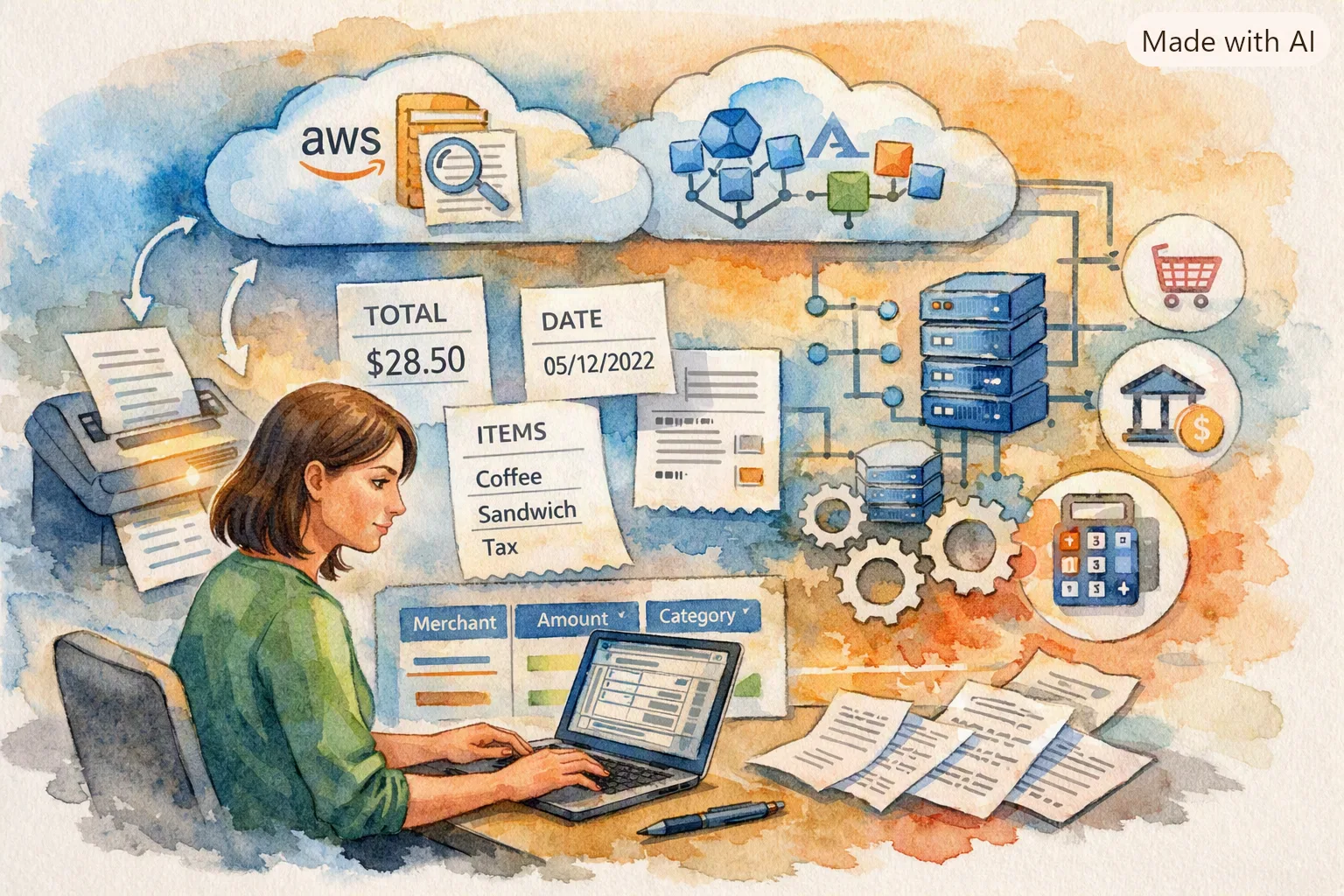
Receipt scanning can reduce repeated typing, but the result is a draft record. Compare merchant, date, currency, total, tax, and relevant items with the image. Correct errors and mark a receipt as incomplete if a detail cannot be confirmed. Do not let a guessed field become the source for a tax or accounting entry.
3. Add context the receipt cannot show
Add a short note such as “client meeting in Bristol” or “replacement cable for studio camera.” For equipment, software, travel, meals, or mixed-use purchases, keep the supporting detail your local rules require. A category label is useful for sorting, but it does not establish that a deduction is allowed.
Tip
For a mixed-use purchase, retain the receipt and a dated note about the work and personal use. Keep your calculation or allocation in your accounting records; Yomio does not calculate a deductible business-use share.
4. Match it to payment and accounting records
Compare the receipt with the card or bank statement, invoice, and ledger entry. Check the amount, date, and payee. Identify refunds, duplicate scans, partial reimbursements, and foreign-currency differences. Keep the correction trail if you change an amount or classification.
5. Record income in a separate workflow
Use invoicing or accounting software to track customer invoices, deposits, platform payouts, refunds, unpaid balances, and sales taxes or VAT where applicable. Expense receipts cannot show gross revenue or accounts receivable. A monthly profit figure also needs complete income and expense records and the accounting treatment that applies to your business.
Example: a partly personal equipment purchase
Suppose a freelancer buys a monitor for a home office and uses it for both paid work and personal tasks. Keep the invoice, proof of payment, date, model, and a note about how it is used. If your accounting or tax rules require an allocation, calculate and document it in the proper accounting record. Do not assume that scanning the invoice, selecting “equipment,” or entering a percentage in a note makes that share deductible.
If the purchase is returned or reimbursed later, link the credit or reimbursement to the original entry. This prevents the expense total from continuing to show the full amount paid after the business received money back.
Reconcile on a steady schedule
A weekly or monthly review is often easier than searching for missing records at year end. Use a repeatable checklist:
- Compare receipt entries with business card and bank statement lines.
- Follow up on statement lines with no receipt or explanation.
- Remove duplicate imports and link refunds or reimbursements to the original expense.
- Review mixed-use and unusual purchases with the appropriate adviser or bookkeeper.
- Back up the records in a secure place and check that the backup can be opened.
A receipt app can help collect records, but it does not replace a complete set of books, invoices, bank reconciliation, payroll records, or local statutory records.
Choose the right system for each job
Use a receipt and expense tool to collect documents, review expense details, and keep receipts with the transactions they support. Use an invoicing or accounting system for income, receivables, bookkeeping, reconciliations, and financial reports. Before choosing a tool, check its available export fields, user access, data retention, and backup process. Verify those features in the current app and plan.
The estimator below performs basic arithmetic from the amounts and percentage you enter. It does not apply a tax rate or calculate your tax bill. The checklist can help you remember records to gather; it does not confirm that a purchase is deductible.
Information
An export is a record file for review or transfer. Check its current fields, compare it with the original receipts and statements, and confirm that the receiving system accepts the format.
Local rules need a local check
For a business in mainland China, the State Taxation Administration publishes the current individual income tax law and implementing rules. These distinguish business income and costs, but whether a specific purchase qualifies depends on the taxpayer and supporting documents. Check the current State Taxation Administration guidance or consult a qualified local tax professional.
For U.S. vehicle, travel, and meal records, consult IRS Publication 463. For broader U.S. business records, consult IRS Publication 583. These are U.S. federal references and do not replace the rules where you file.
An example monthly close
A designer could sort expense records into software, supplies, travel, and client costs, then compare each entry with the business account statement. A $48 subscription appearing on the statement without an invoice would be flagged for follow-up; a scanned receipt with the wrong currency would be corrected from its source; and a $20 refund would be linked to its original purchase. The result is a more complete review pack, not a tax conclusion.
Recordkeeping arithmetic only
Compare entered income and expenses
Enter amounts in the same currency and period. This tool shows totals and their arithmetic difference only. It does not calculate tax or decide what is deductible.
Use the same currency for every amount. This tool does not convert currencies.
U.S. federal recordkeeping only
Organize records for review
Choose records you want to gather. This checklist does not decide whether an expense is deductible or reportable.
0 / 6
Set Up Your Freelancer System
Use Yomio to capture and review expense records. Track invoices, income, and tax calculations in the systems designed for those tasks.
Start Free TrialFrequently asked questions
Further Reading
How Receipt Parsing Works: Inside Yomio's OCR Pipeline
Learn how scanned receipts become expense records and why you should review extracted details.

Family Budgeting: How Shared Accounts Stop the "Who Spent What" Fight
See how a family group can share household expense records while keeping business bookkeeping in its own workflow.

Yomio 功能:收据、预算与费用检查
了解收据扫描、手动录入支出以及用于检查记录的工具。
Last reviewed: September 27, 2026.