How Yomio's AI Copilot Analyzes Your Spending: 5 Questions It Can Answer
Learn how to ask Yopilot questions about recorded expenses, use context filters, and verify AI-generated answers.

Alex Chen
Product Manager & Personal Finance Advocate

How Yomio's AI Copilot Analyzes Your Spending: 5 Questions It Can Answer
Yopilot lets Premium users ask questions about expense records in plain language, with an optional date range and filters for a more focused conversation. Use the answers as a way to explore your records, then check the underlying expenses before making a decision. AI responses can be incomplete or wrong, and they cannot account for purchases missing from your Yomio records.
Questions to try
Start with a clear period or merchant when you need a focused answer:
- “How much did I spend on groceries last month?”
- “Which merchants had the highest totals this month?”
- “Compare my dining expenses for March and April.”
- “What expenses did I record for this project?”
Yopilot works from expense data available in the app and the context you choose. You can set a period such as this week, this month, last month, last year, or a custom date range, and apply available filters such as merchant, category, or payment method.
Information
Yopilot works from saved expense records and the context you select. Missing purchases or incomplete details can change what appears in a summary.
Try Asking Yopilot
Tap a question to see what Yopilot would answer based on your data.
How to get a useful answer
- Check the context first. Confirm that the date range and filters include the expenses you want to review.
- Ask one clear question. Name a category, merchant, or period when it matters.
- Check the supporting records. Open the relevant purchase entries if an answer is unexpected or important.
- Correct missing or inaccurate expense details. Yopilot cannot analyze information that was never entered or was extracted incorrectly.
Receipt scans can include item details when those items are recognized and saved. Manual entries may contain only the details you entered. More complete source records can make a question easier to answer, but they do not guarantee that an AI response is correct.
Information
Open the matching expense records when a generated answer matters. Check the dates, merchants, categories, and receipt details that support it.
Keep the limits in mind
Yopilot summarizes and discusses expense data; it does not verify that your records are complete, decide whether a cost is deductible, or provide professional financial advice. Do not rely on a generated answer as the only record for a tax, reimbursement, or business decision.
For details about data handling, review the current Yomio Privacy Policy before using AI features.
Information
A category total can change because purchases, filters, or labels changed. Review the underlying expenses before deciding what caused the difference.
FAQs
Ask questions about your recorded expenses
Yopilot is available with Premium. Check the current plan details and review your expense records alongside generated answers.
See Premium DetailsFurther Reading
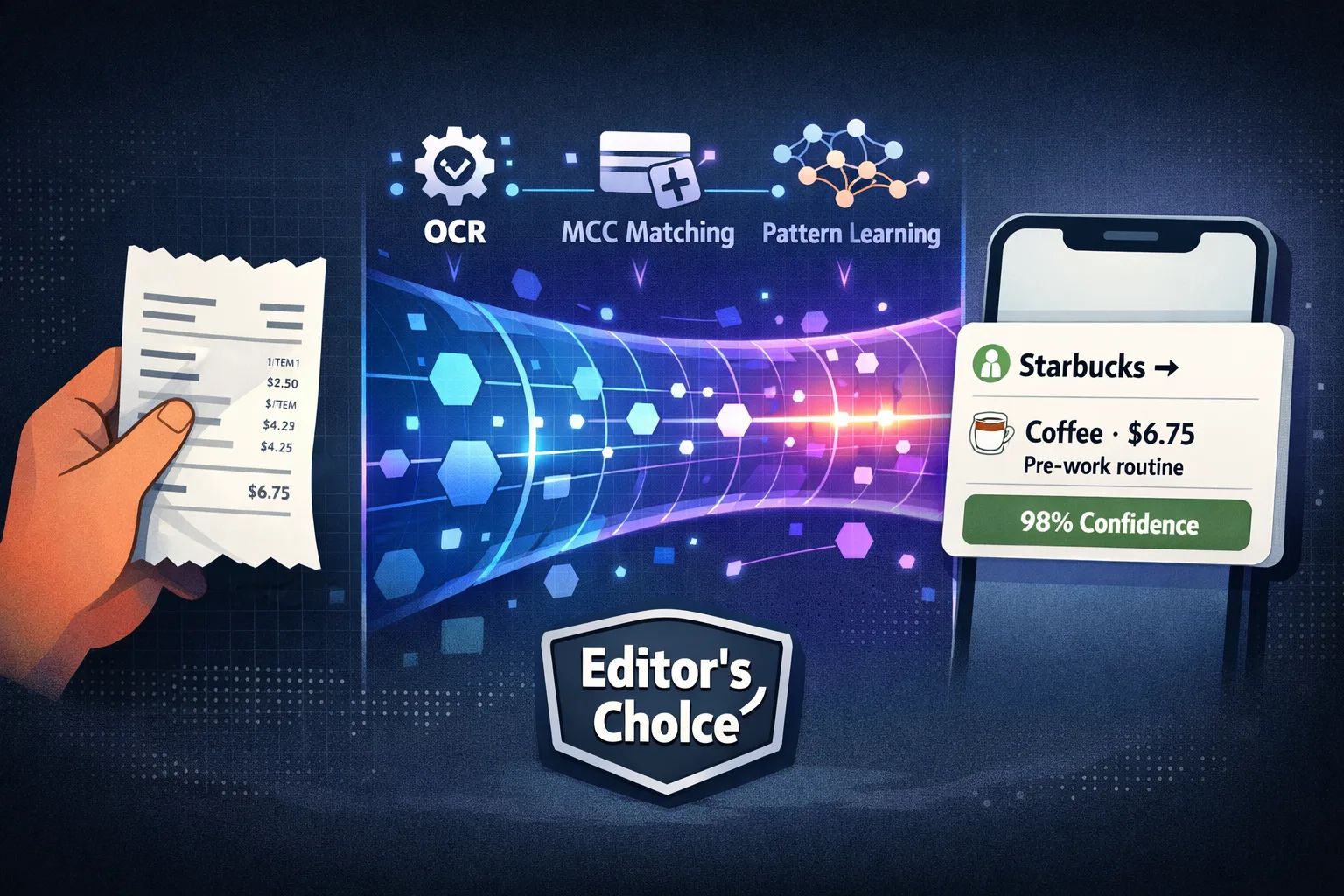
Automatic Expense Categorization: How It Works
How expense categories are assigned and why records should be reviewed.
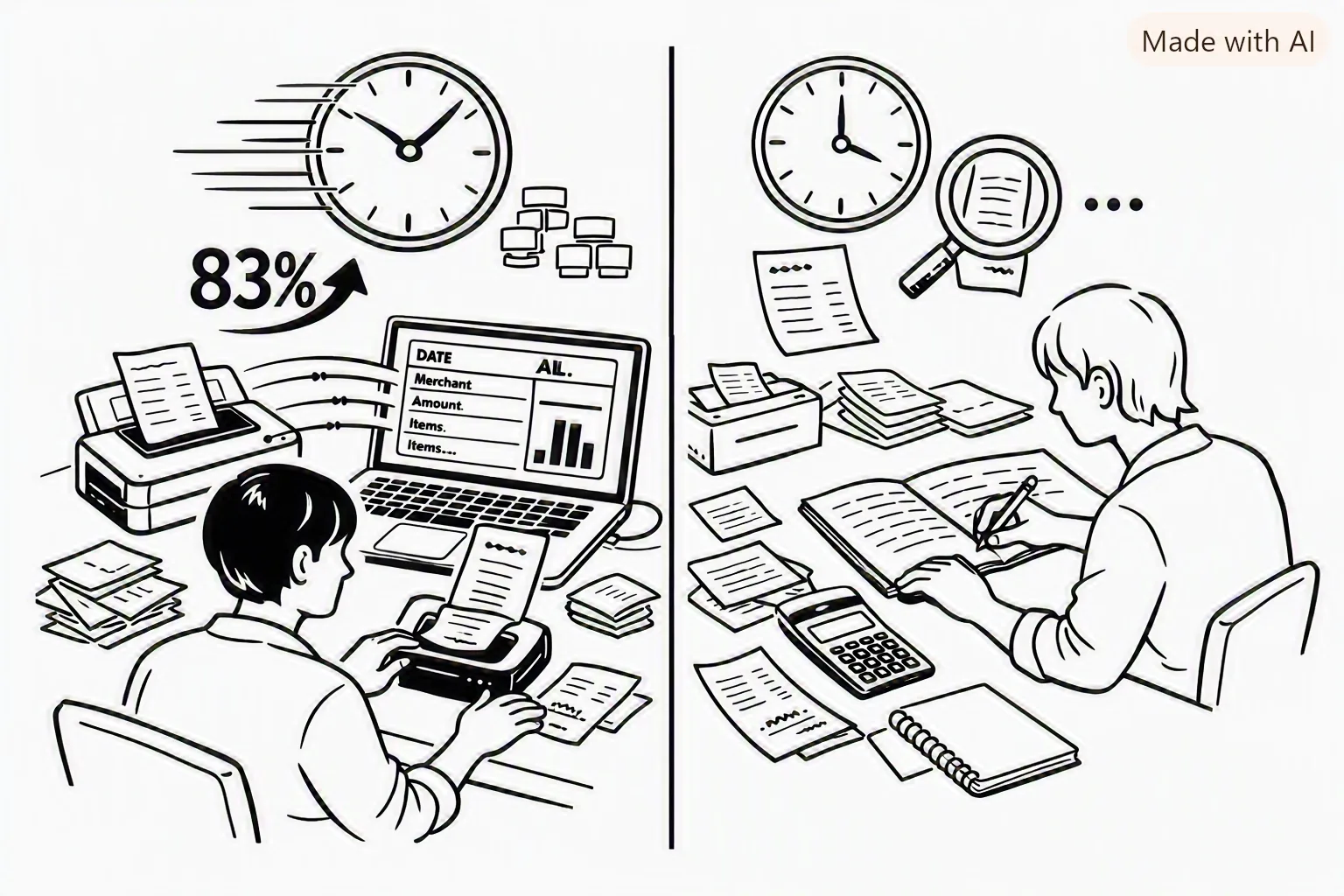
Receipt Scanning vs Manual Entry: How to Choose
Compare the two ways to record expenses and keep supporting details.

What Is Yomio?
Learn how Yomio records expenses from receipts and manual entry.