How to Track Household Price Changes With Receipts
Compare the same household purchases over time while separating price changes from changes in quantity, brand, and shopping habits.

Yulia Lit
Behavioral Finance Writer
How to Track Household Price Changes With Receipts
To understand how household costs change, compare the same items over time and record the amount, quantity, brand or size, and store. This personal comparison can explain your own spending, but it is not an official inflation measure and does not predict future prices.
Keep the comparison consistent
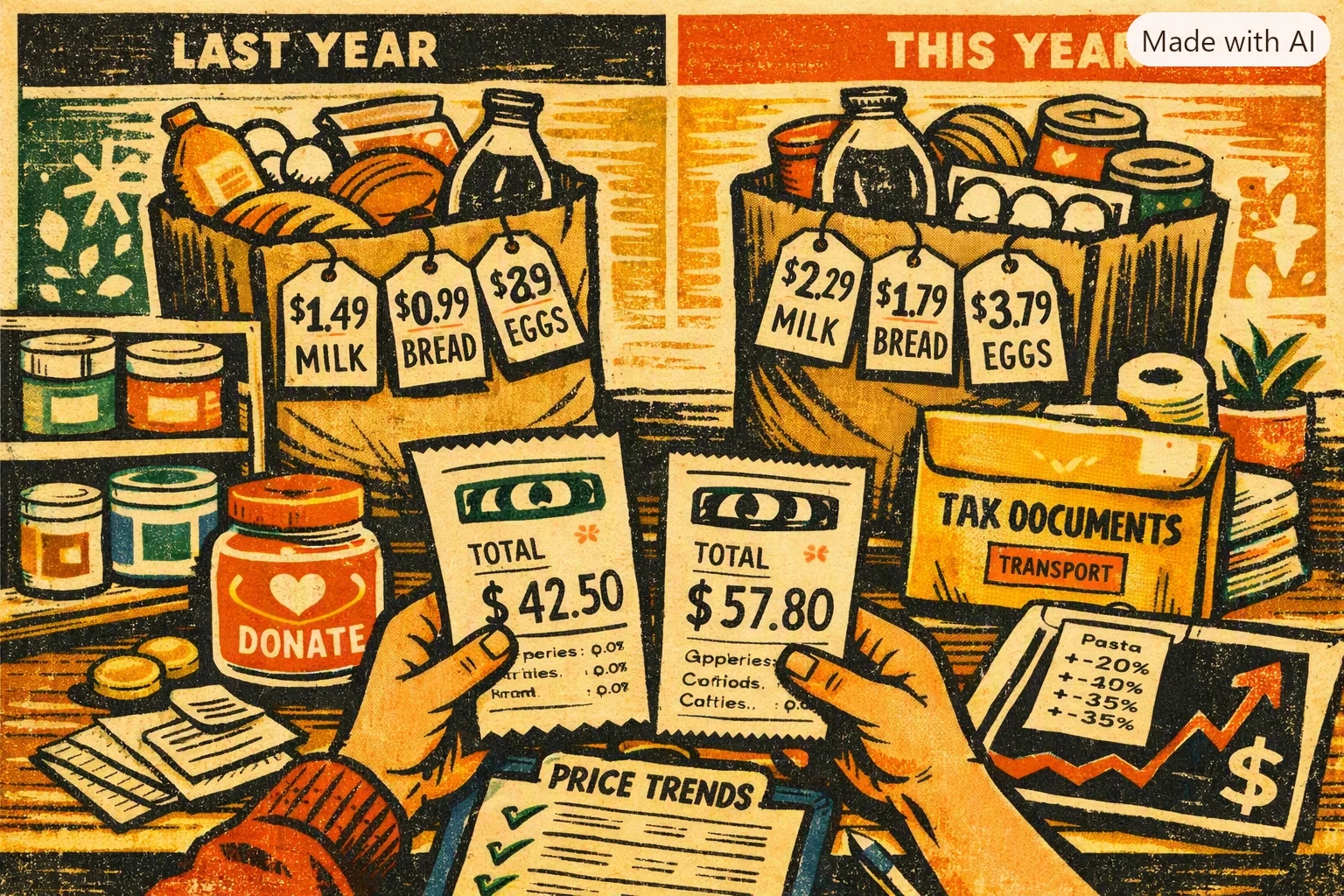
Choose a small list of items you buy repeatedly. For each purchase, record the date, product description, package size, quantity, unit price if available, and total paid. Compare like with like: a different brand, package, quantity, promotion, or store can change the total without showing a pure price change.
For a category such as groceries, distinguish food from household goods and personal-care items. Also note when you bought more or less than usual. A higher receipt total may reflect a larger basket rather than higher prices.
Calculate your own basket carefully
For each item, compare the current unit price with the earlier unit price. Then review how much of the item you purchased. If your basket changes, show the difference separately rather than calling the full change inflation.
Use a consistent period and keep receipts or source records so you can check the numbers. A national price index uses a defined methodology and a broad sample; your personal list is a record of selected purchases, not a substitute for the Consumer Price Index.
Record grocery spending by category
Choose categories and enter your own weekly amounts. The tool adds only the values you enter.
Use the same currency for every amount. This tool does not convert currencies.
Choose at least one category.
What receipt tracking can show
Receipt line items can help you review what appears on a particular receipt. Extraction may be incomplete or incorrect, so review the details before relying on them. Yomio does not maintain a product catalog, match the same item across brands and package sizes, alert you when a price changes, or calculate a personal inflation rate automatically.
You can use the records you choose to enter or scan as a starting point for your own comparison. Keep the original receipt and confirm product details when the comparison matters.
Use the result to make a decision
After checking the items, consider whether you want to compare stores, choose a different package size, change a brand, or adjust your spending plan. Avoid treating one unusually high receipt as a trend. Collect comparable records across more than one purchase period and decide whether the difference matters to your household.
If you need a published U.S. inflation measure, use the Bureau of Labor Statistics CPI data. For your household plan, use your own records and priorities.
Insight
A personal list can show how selected prices affect your own spending. It is not an official inflation rate or a forecast; compare the same items and quantities over time.
Review receipt details over time
Scan receipts or enter expenses, then compare the item details you recorded. Review extracted information for errors; Yomio does not match products across brands or identify the cause of price changes.
Track Your Personal Inflation