How to Track Grocery Spending and Pantry Inventory with Yomio
Review grocery spending from receipts, then use Yomio's optional Premium Inventory to record stock and build low-stock shopping lists.

Dima Hontar
Personal Finance Writer

How to Track Grocery Spending and Pantry Inventory with Yomio
Use receipt records to review grocery spending, and use inventory counts to track what remains at home. Yomio offers an optional Premium Inventory and Shopping List: you can record quantities and minimum levels, then create a list from low-stock items. Receipt scans do not update stock automatically, but you can send a receipt line item to Inventory when the feature is enabled.
Inventory works alongside receipt-based expense records, so check the receipt line and update stock to match what you brought home. The barcode field accepts a value you enter; the app does not scan product barcodes. See Yomio features and current plans for the latest availability.
Keep three questions separate
Grocery routines often mix three different questions:
- What did I spend? Use receipts, payment records, and expense entries to review purchases.
- What do I have? Record food and household quantities in Inventory, then update them when you buy or use items.
- What should I buy? Add items manually or generate a Shopping List from Inventory items below their minimum quantity.
A purchase history can help you remember what you bought or where you found it. It cannot replace a current stock count because it does not show what has been used, discarded, or shared since the purchase. Review receipt items before adding them to Inventory, and update quantities when stock changes.
Set up a lightweight pantry list
You do not need to inventory every spice and condiment to make a useful list. Start with items that are expensive, frequently used, easy to forget, or important for planned meals. For each item, choose a unit that makes sense, such as packages, cans, kilograms, or servings.
A Yomio Inventory entry can include:
- Item name and quantity on hand
- Storage location, such as pantry, refrigerator, or freezer
- Purchase date, expiry date, and (for durable items) warranty expiry
- A minimum quantity that can be used to create a low-stock shopping list
- A barcode value entered manually, plus notes about size or brand
Inventory is optional and Premium-gated. A minimum quantity is a personal reminder, not a universal stocking recommendation. Adjust it to household size, storage space, use rate, and how often you shop. You can add list items manually or generate a list from low-stock Inventory items.
Build a shopping list from current information
Before shopping, check the pantry, refrigerator, and freezer. Compare what you have with meals or household needs for the coming period. Add items when you are low or when you have decided to replace them. If several people shop, agree on who updates the list and mark purchases when someone brings them home. Yomio's Family Group does not share Inventory or Shopping Lists.
The USDA’s MyPlate meal-planning guidance suggests checking foods already on hand, planning meals, and building a grocery list as items run out. That can reduce duplicate planning, but it does not promise a fixed amount of savings.
For food safety, use current storage guidance rather than guessing from an old purchase date. FoodSafety.gov’s FoodKeeper resource gives storage information for many foods and beverages. Follow package instructions and local food-safety guidance where they apply.
Keep spending records and stock counts in sync
A receipt can help you update Inventory, but stock changes only after you take action. When you return from shopping, review the receipt and either send an item from Products to Inventory or update the quantity yourself. If a receipt contains substitutions, returns, or items bought for someone outside the household, update the inventory to match what you brought back.
For spending reviews, compare the receipt total with the expense entry and payment record. Use the same time period each month and look for missing shopping trips or duplicate records. Do not infer that a budget category increased only because prices changed; the amount may also reflect different quantities or products.
Choose tools by the job
Yomio can store purchase history and, with Premium Inventory enabled, record stock and create a Shopping List from low-stock items. Inventory items can also be added and updated manually. A spreadsheet or separate shared checklist may suit households that need a shared pantry list or barcode scanning.
Yomio stores quantities, units, locations, minimum quantities, purchase dates, expiry dates, and warranty expiry for durable items. It has a manually entered barcode field, but no barcode scanner. Receipt line items can be sent to Inventory by the user when the feature is enabled; receipt scans do not synchronize stock automatically.
A repeatable grocery routine
Before the trip
Review current Inventory, decide what meals or household needs to cover, and generate a Shopping List from low-stock items or add items manually. Remove items that someone else has already purchased.
After the trip
Keep the receipt and compare it with the items brought home. Send suitable receipt line items to Inventory or update quantities manually, and correct any expense details that were scanned incorrectly.
During the week
Mark items as used or add them to the list when they run low. Use the same units each time so that “one bag,” “one kilogram,” and “two cans” do not become conflicting counts.
At the end of the month
Review recorded grocery expenses separately from inventory. If a total changes, check both price and quantity before deciding what action to take. The CFPB’s spending assessment worksheet is one resource for reviewing household spending as part of a broader budget.
Insight
A receipt shows what was purchased at a point in time. It does not confirm what remains at home, so review and update Inventory before relying on a low-stock Shopping List.
Tip
Choose staples that you want to check before shopping. Yomio Inventory can store their quantity and minimum level, and Shopping List can use low-stock levels; receipt scans do not change stock unless you send an item to Inventory or update it yourself.
Information
A receipt can help document where and when you bought an item. Yomio can also record a warranty expiry date for a durable item, but it does not determine warranty coverage; check the product terms and keep the records they require.
Your inventory notes
Enter amounts you have personally estimated. The result is arithmetic only; it does not predict savings or food waste.
Use the same currency for every amount. This tool does not convert currencies.
Review spending and keep stock counts in one routine
Use receipt records to review grocery expenses, then use optional Premium Inventory and Shopping List to manage quantities and low-stock items.
Explore YomioRelated reading
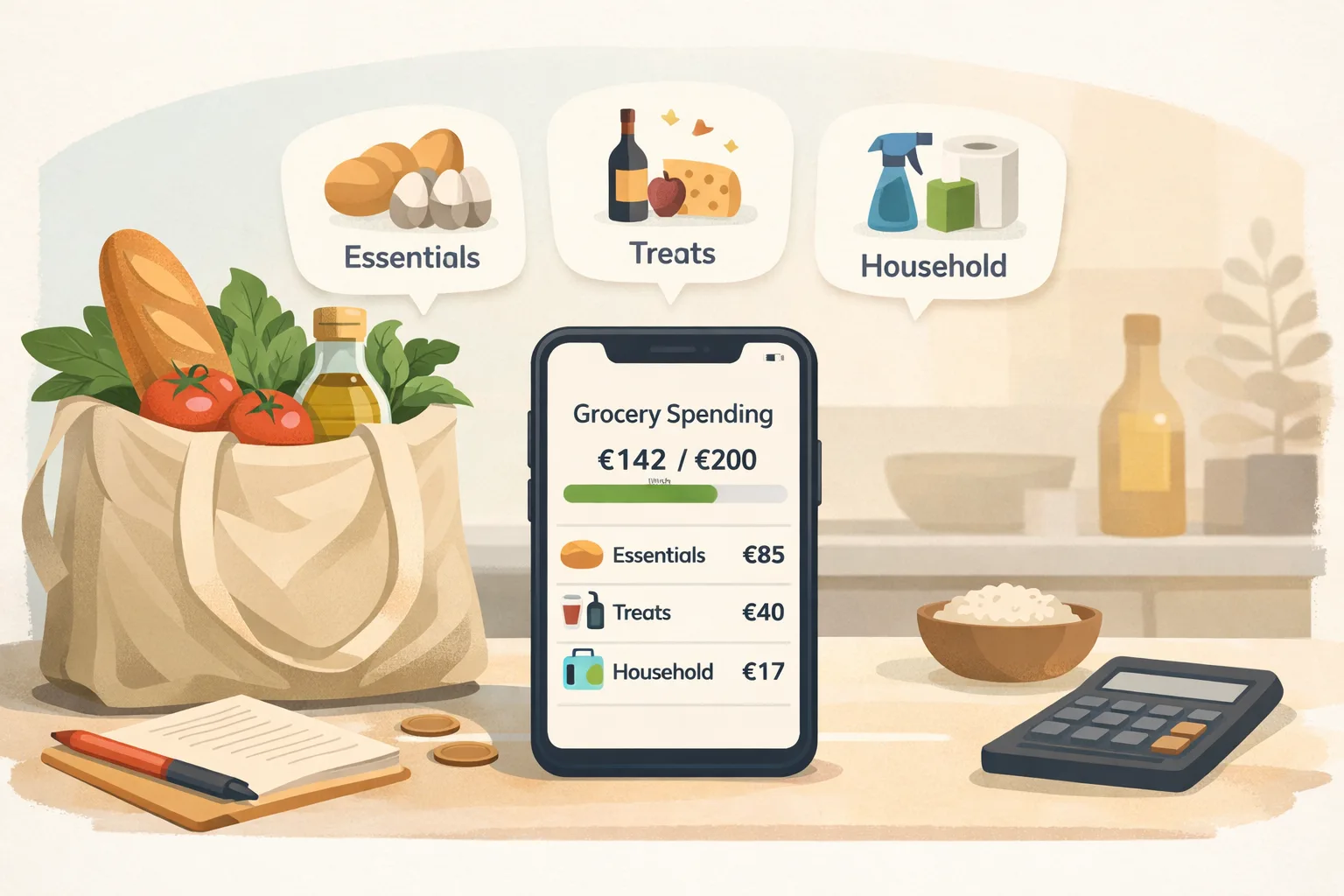
How to Track Grocery Spending
Review receipt records and compare grocery spending over consistent periods.

Choosing a Supermarket Expense Tracker
Compare ways to record grocery purchases and review their costs.
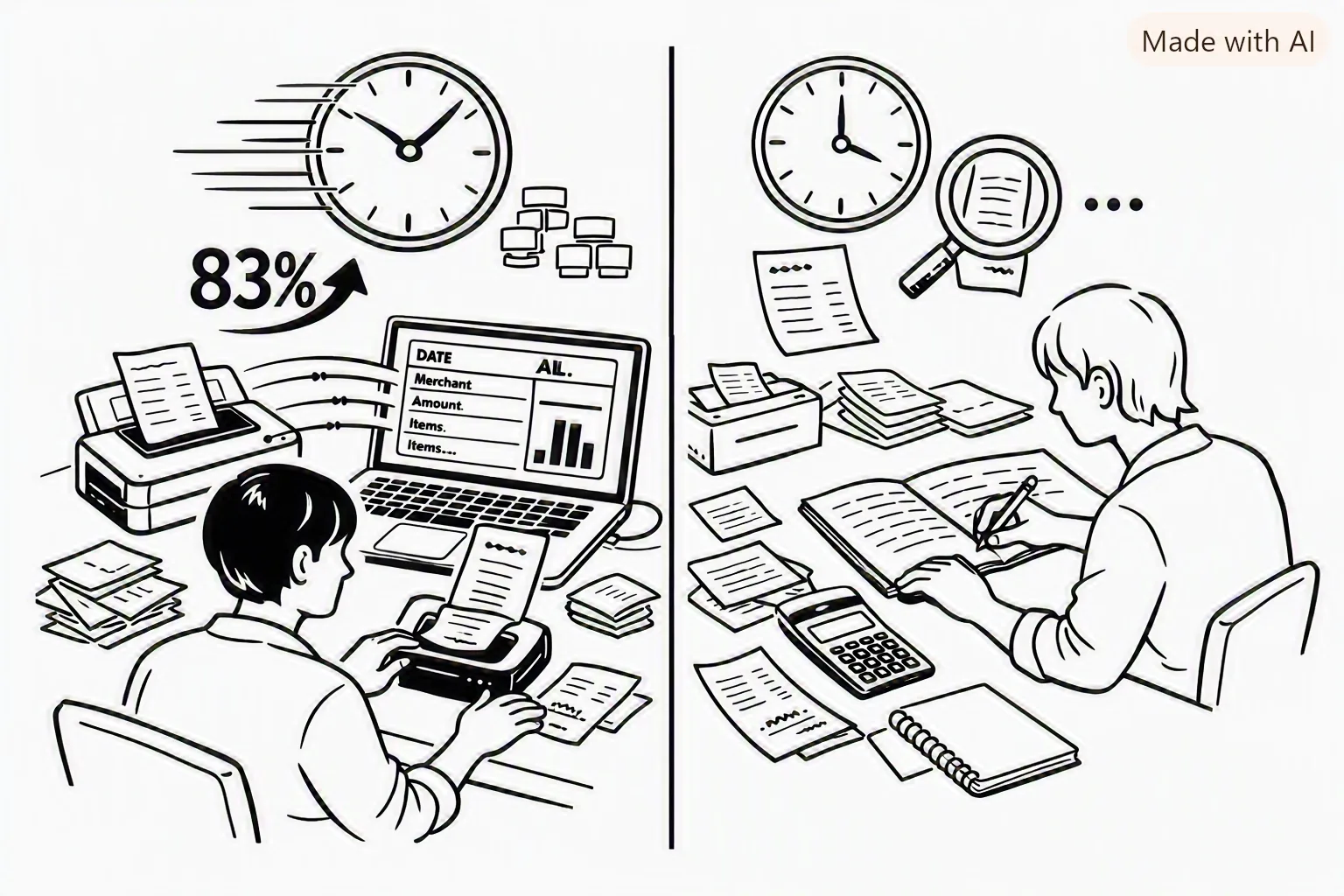
Receipt Scanning vs Manual Expense Entry
See what each recordkeeping method can capture and what you still need to review.
Last reviewed: September 27, 2026.