Le Centre Financier du Freelancer : Suivez les Revenus, Dépenses, et Impôts en Un Seul Endroit
Les freelancers ont besoin de plus qu'un suivi des dépenses — ils ont besoin d'un suivi des revenus, d'une gestion des déductions, et de rapports prêts pour les impôts. Yomio gère tous les trois à partir d'un seul scan de reçu.

Alex Chen
Chef de Produit et Défenseur des Finances Personnelles

Le Centre Financier du Freelancer : Suivez les Revenus, Dépenses, et Impôts en Un Seul Endroit
Les freelancers vivent dans un monde financier différent de celui des salariés. Les revenus sont irréguliers. Les dépenses mélangent le personnel et le professionnel. La retenue d'impôt n'est pas automatique. Chaque dollar doit être géré intentionnellement parce qu'il n'y a pas d'employeur pour gérer le backend.
La plupart des freelancers utilisent au moins trois outils : un outil comptable pour les factures, un scanner de reçus pour les dépenses, et une feuille de calcul pour les estimations fiscales. Yomio les consolide dans une seule application — vous permettant de suivre à la fois les revenus et les dépenses à partir des reçus scannés, de catégoriser les dépenses professionnelles vs. personnelles, et de générer des rapports prêts pour les impôts.
Cet article couvre les fonctionnalités spécifiques aux freelancers dans Yomio et comment mettre en place un système financier qui fonctionne pour les revenus irréguliers.
Points Clés
- Le Suivi des Revenus fonctionne aux côtés du suivi des dépenses — enregistrez les revenus freelance avec le même flux de travail basé sur les reçus
- La Catégorisation Professionnelle vs. Personnelle garde vos finances séparées sans avoir besoin de deux comptes
- Les Rapports Prêts pour les Impôts — résumés de catégories par trimestre, suivi des déductions, et rapports exportables pour votre comptable
- Le Scan de Reçus Capture les Déductions que vous auriez autrement manquées — fournitures de bureau à domicile, repas avec clients, frais de déplacement
- L'Estimation Fiscale Trimestrielle intégrée au flux de dépenses
- Exportation CSV et PDF pour la déclaration fiscale ou le partage avec votre comptable
Le Problème de l'Empilement Financier des Freelancers
Demandez à un freelancer comment il gère ses finances et vous obtiendrez généralement une liste de 4–7 outils :
- Un compte bancaire (où l'argent entre et sort)
- Un outil de facturation (FreshBooks, Wave, ou similaire)
- Un scanner de reçus (pour les dépenses professionnelles)
- Une feuille de calcul (pour les estimations fiscales trimestrielles)
- Une méthode de suivi séparée (pour les répartitions professionnelles vs. personnelles)
- Un scanner PDF (pour les reçus papier à conserver)
- Un carnet (pour mémoriser ce que vous avez dépensé pour les déjeuners avec clients)
Chaque outil ajoute un coût de coordination. Les reçus doivent être déplacés du scanner vers la feuille de calcul. Les revenus de l'outil de facturation doivent être rapprochés avec les dépôts bancaires. La saison fiscale nécessite d'extraire des données de quatre sources et d'espérer qu'elles correspondent.
À retenir
Basé sur des entretiens avec les utilisateurs de Yomio qui travaillent en freelance à temps plein, le freelancer moyen passe 5–7 heures par mois sur l'administration financière — suivi des revenus, organisation des reçus, catégorisation des dépenses, et préparation des impôts trimestriels. Les utilisateurs de Yomio qui utilisent le scan de reçus + suivi des revenus de manière régulière signalent que cela tombe à 1–2 heures par mois.
Le Suivi des Revenus dans Yomio
Enregistrer les Revenus
Les revenus peuvent être suivis dans Yomio de deux façons :
- Scannez les reçus ou factures des clients — si vous émettez des reçus papier ou recevez des confirmations de paiement, les scanner enregistre les revenus
- Les Saisies Manuelles de Revenus — ajoutez les transactions de revenus directement avec le nom du client, le montant, la date, et la catégorie (par exemple, « Développement Web — Projet X »)
Chaque saisie de revenu peut être étiquetée comme :
- Revenu professionnel — travail freelance régulier/client
- Revenu de travail secondaire — occasionnel ou basé sur les projets
- Revenu passif — revenu d'affiliation, royautés, investissements
- Transfert — déplacement d'argent entre comptes (ne compte pas comme revenu)
Tableau de Bord des Revenus
Le tableau de bord des revenus montre :
- Revenus totaux par mois, trimestre, et année
- Revenus par client — qui vous paie le plus
- Revenus par catégorie — quels types de travail génèrent le plus de revenus
- Revenus vs. dépenses — bénéfice net en un coup d'œil
- Estimation de réserve fiscale — montant suggéré à réserver pour les impôts basé sur vos revenus et catégories
Professionnel vs. Personnel : La Répartition par Catégorie
L'une des parties les plus difficiles des finances des freelancers est de garder les dépenses professionnelles et personnelles séparées sans maintenir deux systèmes de suivi complètement séparés.
Yomio résout cela avec l'étiquetage professionnel/personnel au niveau des catégories :
- Catégories 100% Professionnelles — abonnements logiciels, déplacement client, fournitures de bureau, développement professionnel
- Catégories Mixtes — repas (repas client vs. repas personnel), transport (réunions client vs. déplacements personnels), téléphone/Internet (déduction commerciale partielle)
- Catégories 100% Personnelles — épicerie, soins personnels, divertissement
Quand vous scannez un reçu, la catégorie détermine comment il est traité :
- Les Catégories Professionnelles s'appliquent automatiquement aux rapports de dépenses et aux résumés fiscaux
- Les Catégories Mixtes vous permettent de marquer les articles individuels comme professionnels ou personnels
- Les Catégories Personnelles restent complètement en dehors des rapports professionnels
Conseil
Pour les articles à usage mixte (facture téléphonique, Internet, bureau à domicile), Yomio vous permet d'appliquer une allocation commerciale basée en pourcentage. Si votre téléphone est 60% d'usage professionnel, fixez ce pourcentage une fois et toutes les futures dépenses téléphoniques sont automatiquement réparties. Pas de calcul manuel à la saison fiscale.
Le Suivi des Déductions Qui Trouve de l'Argent
L'erreur fiscale la plus importante que les freelancers commettent est de manquer des déductions — pas parce qu'ils ne les ont pas, mais parce qu'ils ne capturent pas le reçu.
Le scan de reçus de Yomio aborde cela directement. Les déductions courantes manquées que les utilisateurs de Yomio récupèrent :
- Fournitures de bureau à domicile — $50–$200/an en petits achats (papier, stylos, organisateurs) qui ne sont pas suivis individuellement
- Repas avec clients — le repas d'affaires déductible à 50% nécessite le reçu avec le nom du client et l'objet professionnel noté
- Développement professionnel — frais de cours, livres, billets de conférence, frais d'examen de certification
- Abonnements logiciels — outils SaaS, logiciels de conception, applications de productivité
- Déplacement professionnel — chaque reçu d'un voyage client est une déduction potentielle
- Équipement — ordinateurs, moniteurs, périphériques, mobilier (amorti ou Section 179)
- Internet et téléphone — une portion de votre facture mensuelle basée sur le pourcentage d'usage professionnel
- Frais bancaires et de traitement — frais Stripe, PayPal, et de compte marchand
Rapports Prêts pour les Impôts
À la saison fiscale, Yomio génère :
- Résumé Profit et Perte — revenus totaux moins dépenses totales pour la période
- Rapport de Déduction au Niveau des Catégories — chaque déduction regroupée par catégorie IRS
- Totaux de Revenus et Dépenses Trimestriels — pour les paiements d'impôts estimés
- Rapport de Revenus par Client — total payé par client (utile pour la réconciliation 1099)
- Exportation CSV et PDF — envoyer à votre comptable ou télécharger vers un logiciel de déclaration fiscale
Les rapports incluent toutes les transactions étiquetées comme professionnelles de vos scans de reçus. Si vous avez scanné de manière régulière, le rapport est complet sans saisie de données supplémentaire.
Information
L'exportation CSV inclut : date, commerçant, catégorie, montant, étiquette professionnel/personnel, nom du client (si applicable), catégorie de déduction, et lien d'image de reçu. La plupart des comptables peuvent importer cela directement dans leurs systèmes sans reformatage.
Configuration de Votre Système Freelancer dans Yomio
Étape 1 : Configurez Vos Catégories
Configurez vos catégories professionnelles dans Yomio. Ensemble de démarrage recommandé :
- Services Client (revenu)
- Logiciels et Abonnements (dépense)
- Fournitures de Bureau (dépense)
- Développement Professionnel (dépense)
- Déplacement Client (dépense)
- Repas Client (dépense)
- Bureau à Domicile (dépense)
- Équipement (dépense)
- Frais Bancaires et de Traitement (dépense)
Étape 2 : Étiquetez les Catégories Mixtes
Pour les catégories qui mélangent le professionnel et le personnel (repas, transport, téléphone), créez-les comme mixtes et fixez votre pourcentage d'usage professionnel estimé.
Étape 3 : Établissez l'Habitude de Scan
Scannez chaque reçu lié à la profession immédiatement. La clé est la régularité — un reçu que vous ne scannez pas est une déduction que vous ne demandez pas.
Recordkeeping arithmetic only
Compare entered income and expenses
Enter amounts in the same currency and period. This tool shows totals and their arithmetic difference only. It does not calculate tax or decide what is deductible.
Use the same currency for every amount. This tool does not convert currencies.
U.S. federal recordkeeping only
Organize records for review
Choose records you want to gather. This checklist does not decide whether an expense is deductible or reportable.
0 / 6
Étape 4 : Révision Mensuelle
Une fois par mois, examinez votre tableau de bord des revenus vs. dépenses. Vérifiez que :
- Tous les revenus du mois sont enregistrés
- Les dépenses professionnelles sont correctement étiquetées
- Votre estimation de réserve fiscale est sur la bonne voie
- Aucune dépense personnelle n'est accidentellement étiquetée comme professionnelle
Configurez Votre Système Freelancer
Créez vos catégories professionnelles, scannez votre première dépense, et voyez votre profit et perte en moins de 15 minutes.
Démarrer l'Essai GratuitFAQ
Lecture Supplémentaire
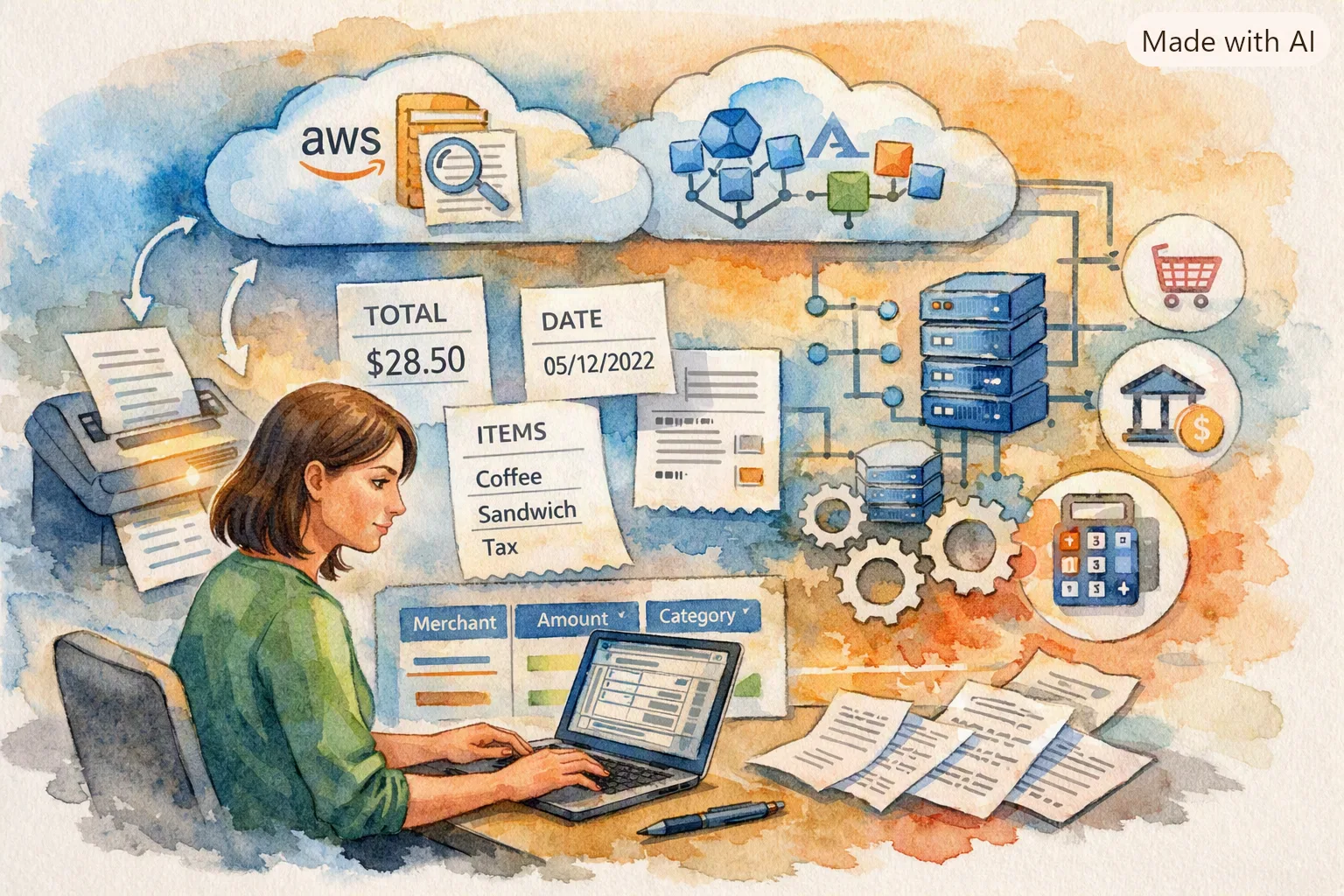
Comment Fonctionne le Parsing de Reçus : À l'Intérieur du Pipeline OCR de Yomio
Comment chaque reçu scanné devient un enregistrement de déduction structuré.

Budgétisation Familiale : Comment les Comptes Partagés Arrêtent la Bataille du « Qui a Dépensé Quoi »
Pour les freelancers avec famille — gardez les finances professionnelles et domestiques dans la même application.

Fonctionnalités de Yomio à connaître : reçus, budgets et suivi des dépenses
Découvrez comment Yomio enregistre les reçus et les dépenses, suit les budgets et propose l’export et le partage familial avec Premium.