How to Track Bills and Payment Records
Use a bill calendar, provider reminders, and payment confirmations to keep due dates and account records organized.

Alex Chen
Product Manager & Personal Finance Advocate
How to Track Bills and Payment Records
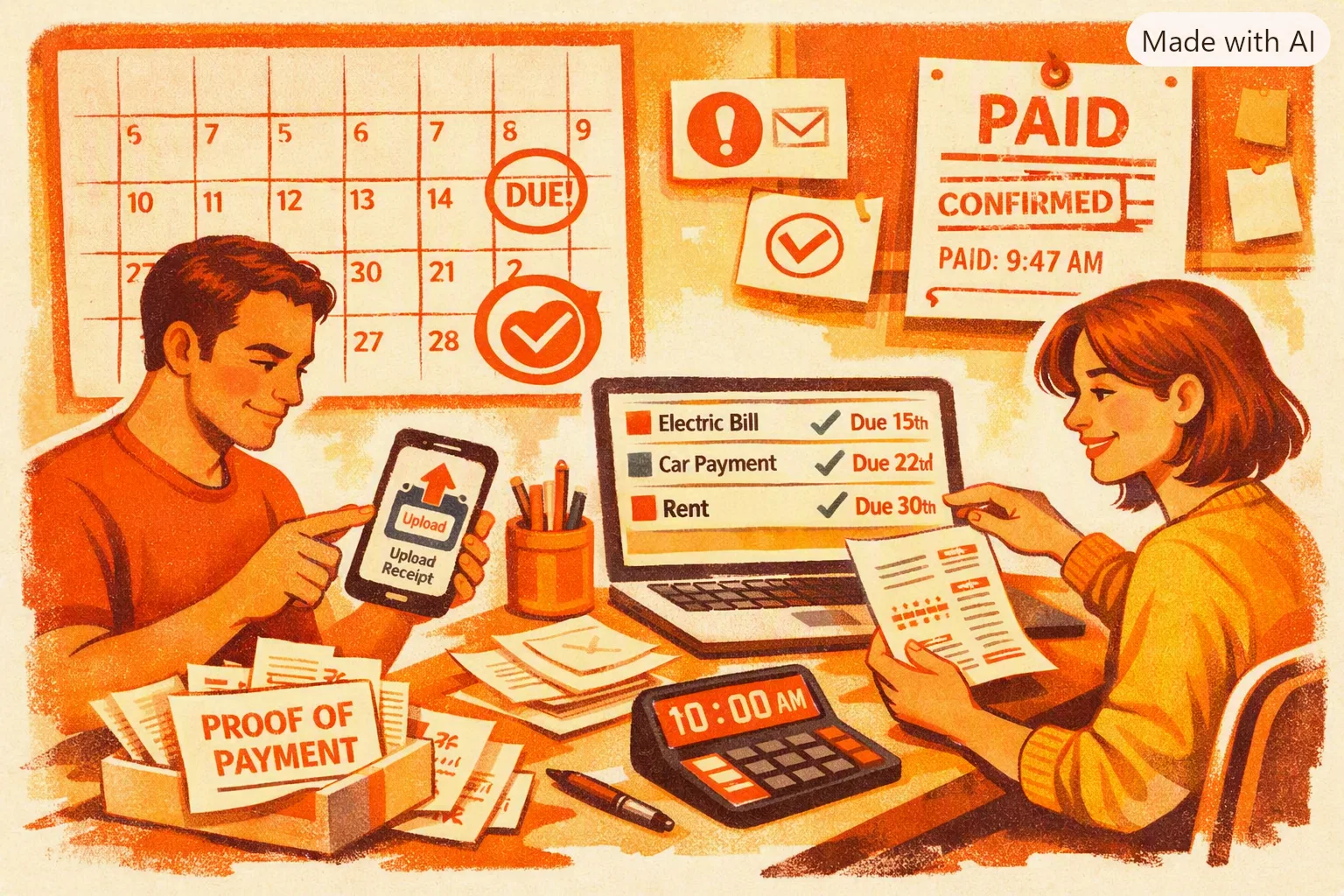
Keep a current list of bills, due dates, payment methods, and confirmation records in a calendar or bill-management tool. Use your bank or bill provider to verify that each payment was received.
Yomio records receipt-based expenses, but it does not track bill due dates, send bill reminders, mark bills as paid, or verify payments. For a bill calendar, use a calendar, your provider’s reminder service, or a dedicated bill-tracking tool. The Consumer Financial Protection Bureau’s bill calendar offers a simple worksheet-based approach.
Set up a reliable bill list
For each recurring bill, record:
- Provider and account reference
- Typical due date and amount, with a note when it changes
- Payment method and the account used
- Where to check the official balance and payment status
- How you will save confirmations or resolve a dispute
Use the amount and date on the current statement when they differ from an estimate. Update the list when a provider changes a due date, payment method, or recurring charge.
Review recurring charges manually
Use this checklist with your statements and provider accounts. Yomio does not scan bank transactions or cancel subscriptions.
0 of 5 steps checked
Add reminders where you will see them
Choose one main calendar or reminder system and keep it current. You can also enable notices from a bill provider or financial institution, but check its settings and delivery method. An alert is a prompt to review a bill; it does not make or confirm a payment by itself.
If a due date is difficult to manage, ask the provider whether it can change the date or offer another payment arrangement. Options depend on the provider and account terms.
Save payment evidence
After paying, save the confirmation number, date, amount, and account or bill it applies to. Check the provider’s account page or statement to confirm that the payment posted. Keep relevant statements and correspondence with the confirmation if a charge is disputed.
For credit-card payments, timing and due-date rules can depend on the account agreement and payment channel. The CFPB explains when a credit-card payment is considered late. Check your own statement and provider instructions.
Receipt Upload Consistency Planner
Model a realistic upload routine and estimate whether your habit is strong enough to keep bill tracking accurate.
Weekly uploads
12
Monthly uploads
52
Review time / month
1.3h
Consistency score
ModerateReview the list regularly
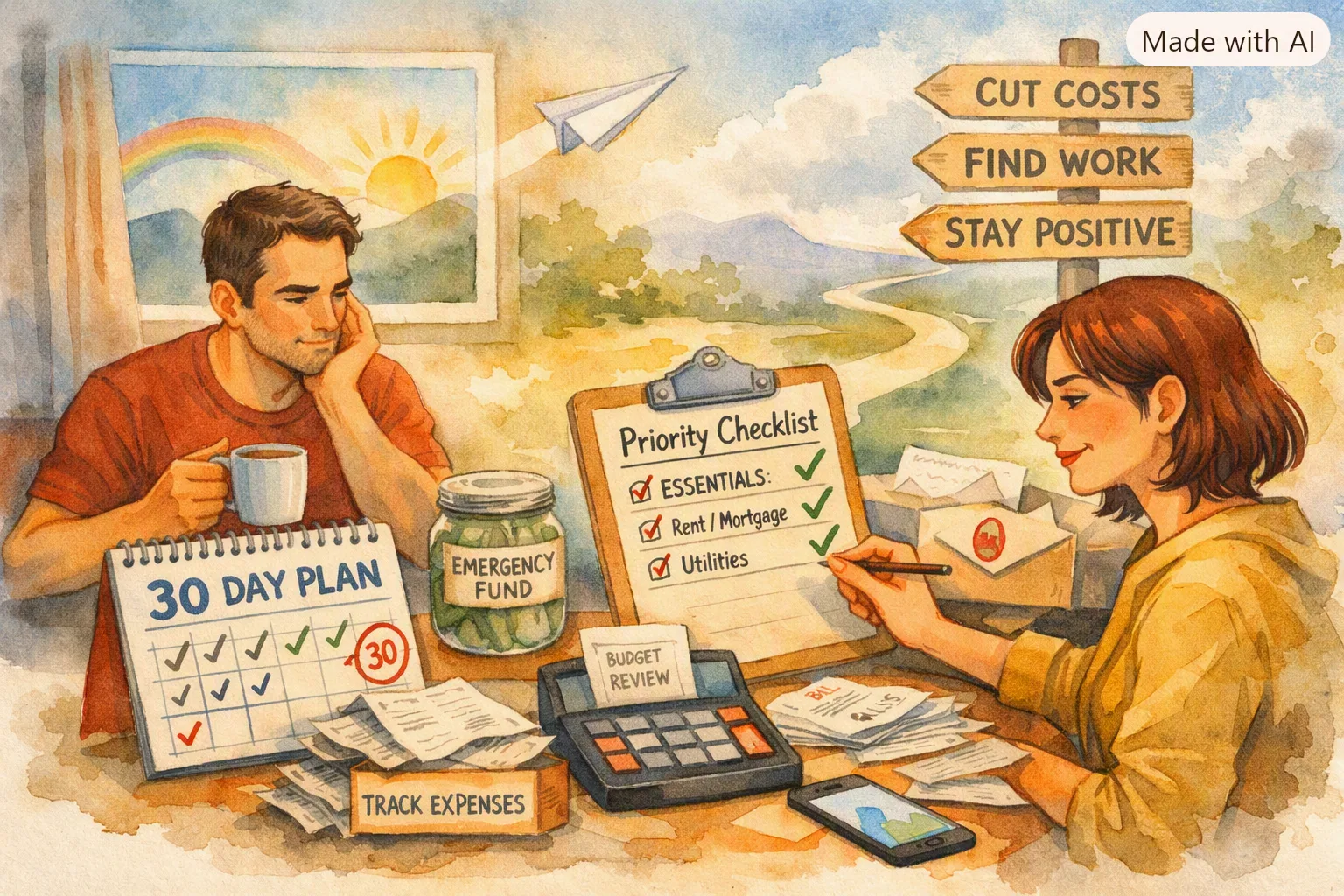
Compare upcoming bills with available cash and expected deposits. Look for changed amounts, duplicate charges, services you no longer use, and bills that are not on the calendar. If you cannot pay a bill on time, contact the provider early to ask about options.
Tips
Choose one fixed 20-minute review slot each week for due dates, amount changes, and missing receipts. Calendar it. Consistency prevents crisis mode.
Keep receipt-based expenses organized
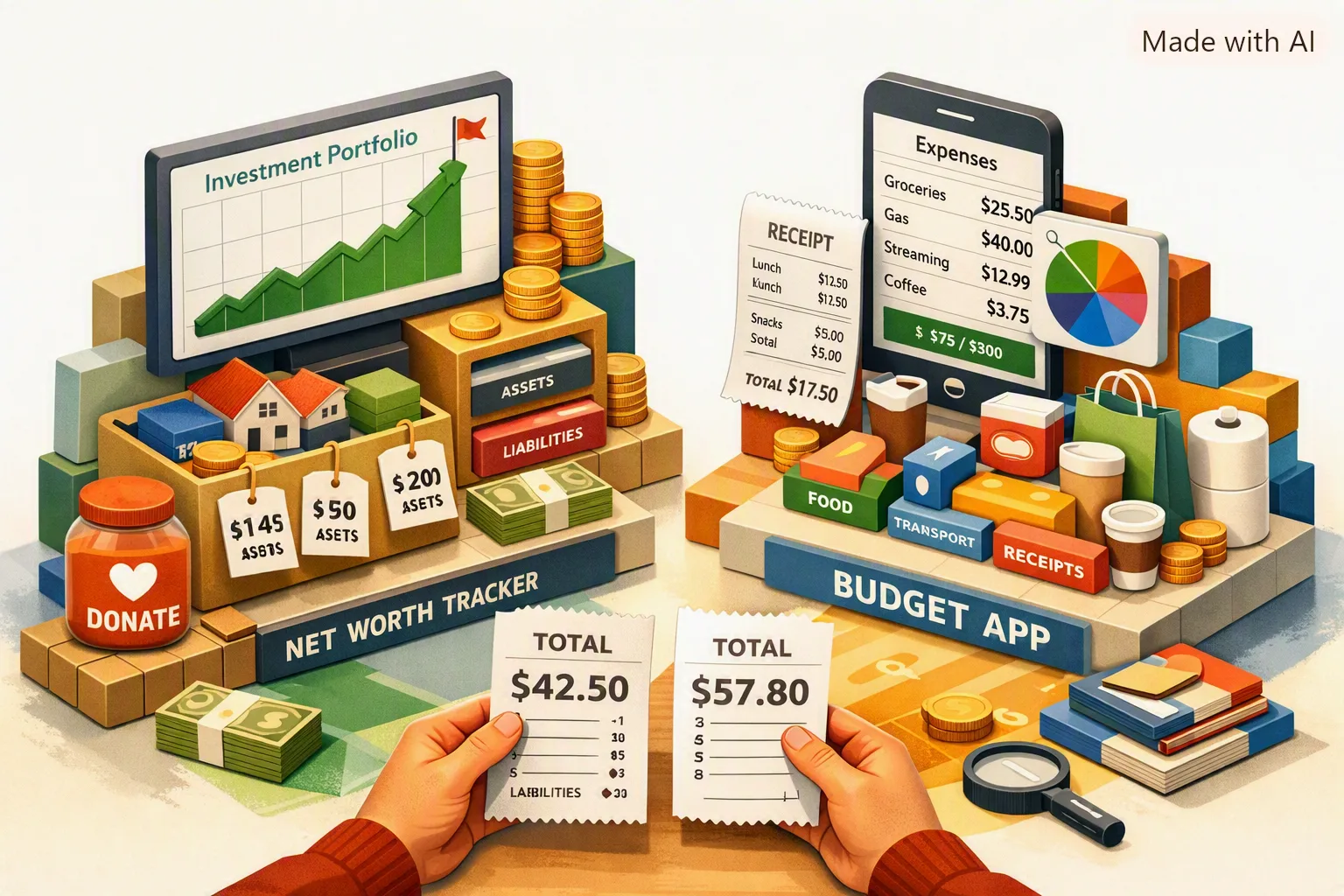
Yomio can capture and review purchase receipts. Use your calendar or provider tools for bill due dates and payment status.
Explore expense trackingRelated reading

Last reviewed: September 27, 2026.