Introducing Business Mode: Team Expense Tracking for Small Businesses
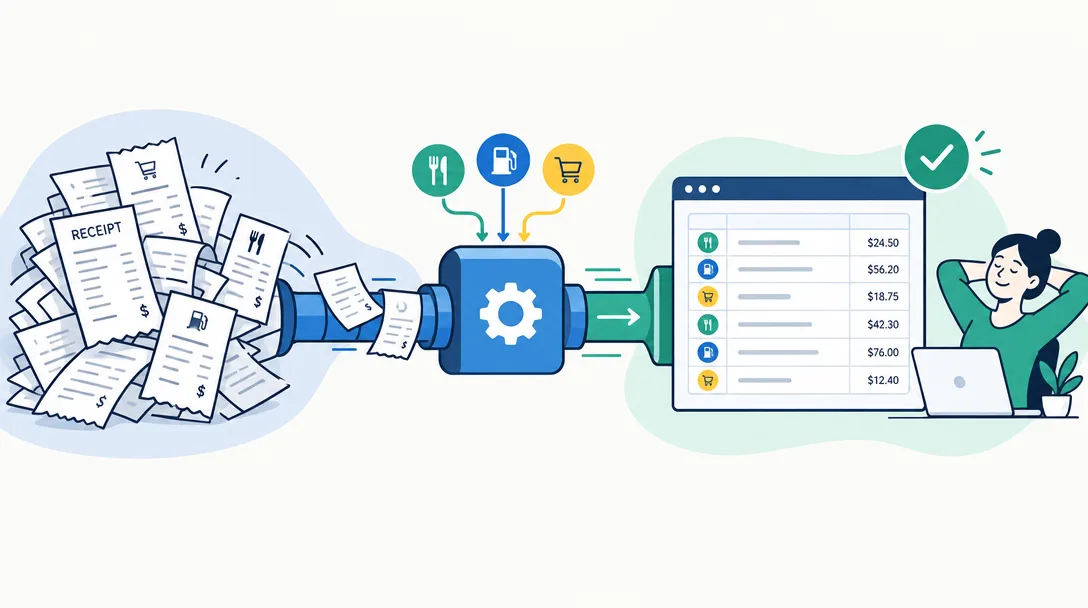
Business Mode gives small teams a shared receipt and expense-record workspace with private Member views, optional Admin approval, scheduled summaries, and CSV export.

Alex Chen
Product Manager & Personal Finance Advocate
Introducing Business Mode: Team Expense Tracking for Small Businesses
Business Mode gives small teams a shared place to submit expense records while keeping each Member’s records private from other Members. Admins can review team records, enable optional approval, receive scheduled weekly or monthly email summaries, and export expense data as CSV.
What Business Mode includes
- Admin and Member roles: Members see their own records; Admins can see the team’s records.
- Receipt and expense capture: Team members can scan receipts or enter expense records in Yomio.
- Optional approval: An Admin can enable a review step for team submissions.
- Scheduled summaries: Configure weekly or monthly email reports for the business group.
- CSV export: Admins can export expense records for review and manual import into bookkeeping software.
- Per-seat subscription: Pricing supports 1 to 50 seats. The current price and currency are shown on the pricing page; check checkout for current terms.
A typical setup
- Choose a seat count and billing period on the web pricing page.
- Set up the Business group and invite team members.
- Decide whether expense submissions need Admin approval and choose a weekly or monthly report schedule if useful.
- Ask Members to scan receipts or enter records with a clear business purpose.
- Review submissions and export the CSV when your bookkeeping process needs it.
Business Mode can organize expense evidence and team review. It does not issue company cards, pay reimbursements, classify taxes, assign receipts to projects or locations, or synchronize directly with QuickBooks or Xero. Admins must inspect exports and import them into the accounting system.
Business Mode and Family Sharing are different
Family Sharing is for a household where members share visibility into group spending. Business Mode uses a separate role model: a Member sees their own records, while an Admin can review the team’s records. Choose the workspace that matches who should see the information.
Is it the right fit?
Business Mode is designed for small teams that need receipt collection, Admin review, scheduled summaries, and a CSV handoff. If your process depends on corporate cards, mileage logs, reimbursement payments, location or job-cost codes, or integrated accounting, confirm that another tool supports those requirements before you switch.
See the Business Mode overview, current pricing, and setup guide.
Information
Yomio's existing Family Sharing is built on trust — every member sees the whole household's spending. A business team needs the opposite: a worker's receipts are their own business, and only the Admin needs the full picture. Business Mode is a separate plan built around that different privacy rule from the ground up.
Tip
A Business group is not limited to a single Admin. Add your bookkeeper or accountant as a second Admin and they get the same full-team visibility and export access you do — no separate accountant role required.
Warning
Business Mode is a separate account type, not a bigger Family Group. If you're on Family Sharing today and need a business workspace instead, you'll set up a new Business group rather than raising your family's member cap.
Review team expenses in Business Mode
Invite a team within the 1–50 seat limit, set optional approval controls, and export expense records as CSV.
Explore YomioRelated reading