6 Best Expense Tracker Apps for iPhone (2026)
Compare the 6 best expense tracker apps for iPhone in 2026, including free options, receipt scanning, bank sync, and current US pricing for each.

Marcus Chen
Fintech Product Analyst & Personal Finance Expert

Best Expense Tracker Apps for iPhone in 2026: Ranked by Use Case
If you want automatic bank sync and a polished Apple-device experience, choose Copilot Money; if you share finances with a partner and want everything in one connected view, choose Monarch Money. If you want to plan every dollar before you spend it, choose YNAB; for a free net-worth and investment dashboard, choose Empower; for one simple "safe to spend" number, choose PocketGuard. If you want to see what you actually bought, item by item, without connecting a bank account, choose Yomio.
The rest of this guide explains why, app by app, using each provider's published features, current US prices, and App Store ratings checked on November 14, 2026. Yomio is our product, so we say plainly where other apps are the better choice.
Key takeaways
- Bank-sync apps and receipt apps answer different questions. A bank feed tells you that $142 went to Target; a receipt tells you which part of that $142 was groceries, household supplies, and a birthday gift.
- Copilot Money and Monarch Money are the strongest iPhone choices for automatic, connected budgeting. Both sync Apple Card, Apple Cash, and Savings with Apple Card through Apple's FinanceKit.
- YNAB is the best choice for zero-based budgeting, and it has the deepest Siri and Shortcuts support of the apps here.
- Empower Personal Dashboard is the only fully free option that tracks spending, net worth, and investments together.
- Yomio is the best fit when you want item-level receipt records, pay often in cash, or prefer not to link a bank account.
- Annual billing is far cheaper than monthly billing for every paid app here, so test the free trial or free tier before you commit to a year.
App directory
iPhone expense and finance apps by workflow
Filter by the workflow you need. Features and availability can change, so check each provider's current information.
Yomio
Records expenses from receipts and manual entry. Review extracted details in the app; Yomio does not connect to bank accounts.
Visit the provider's official siteYNAB
A budgeting app built around the YNAB method, with linked and unlinked workflows.
Visit the provider's official siteCopilot Money
A premium personal-finance app available for iPhone, iPad, Mac, and web. Its linked-account service is for U.S. financial institutions.
Visit the provider's official siteMonarch Money
Brings financial accounts into one view with budgeting, net-worth tracking, and household collaboration.
Visit the provider's official sitePocketGuard
Provides linked-account spending views, budgeting tools, and goals.
Visit the provider's official siteEmpower Personal Dashboard
Connects financial accounts for spending, net-worth, investment, and planning views.
Visit the provider's official siteEveryDollar
A budgeting app for creating a monthly plan and recording spending.
Visit the provider's official site
Quick comparison
Prices are US prices; ratings are the US App Store average and rating count, both checked November 14, 2026.
| App | Best for | How spending gets in | Apple Card sync | US price | App Store rating |
|---|---|---|---|---|---|
| Copilot Money | Bank-sync budgeting on iPhone, iPad, and Mac | US bank and card connections | Yes (FinanceKit) | $109/year on its website; $18/month in the App Store | 4.8 (31K) |
| Monarch Money | Couples and households who want one connected view | Bank connections, receipt scans, and forwarded receipts | Yes (FinanceKit, iPhone only) | $14.99/month or $99.99/year (Core); Plus $199.99/year | 4.9 (118K) |
| YNAB | Zero-based budgeting | Optional bank import, file import, or manual entry | Yes (FinanceKit) | $14.99/month or $109/year; 34-day trial | 4.8 (62K) |
| Empower Personal Dashboard | Free net worth and investment overview | Account connections | Not documented | Free | Not verified |
| PocketGuard | A quick "safe to spend" check | Bank connections and manual cash entries | Not documented | $12.99/month, $74.99/year, or $149.99 lifetime; 7-day trial | 4.6 (7.7K) |
| Yomio | Item-level receipt records without bank access | Receipt scans, uploads, and manual entry | No (no bank connections) | Free plan; Premium $6/month or $60/year | 5.0 (4 ratings) |
Two notes on that table. Copilot's website shows only the annual plan, so the monthly price above comes from its App Store in-app purchase list. Yomio's App Store rating rests on very few ratings, so it says little about the app either way; the larger rating pools for the other apps carry more information.
How to choose an iPhone expense tracker
Start with where your spending data comes from. A bank-sync app pulls transactions from connected accounts, so card spending appears with almost no effort, but each transaction shows only a merchant and a total. A receipt app captures the products and prices inside a purchase, but only for the receipts you scan. The CFPB's spending assessment guide describes the same three routes: review account history, save and total receipts, or use a personal financial management tool.
Next, think about cash. The Atlanta Fed's 2025 Survey and Diary of Consumer Payment Choice found that 81% of US consumers paid with cash at least once in a 30-day period, and that cash made up 14% of all payments. A bank-sync app does not see those payments, so every app below needs a manual entry, a receipt scan, or an ATM-withdrawal category to cover them.
Then decide whether you plan ahead or review afterwards. YNAB asks you to assign money to categories before you spend it. Copilot, Monarch, PocketGuard, and Empower are strongest at showing what already happened across your accounts. Yomio is a review tool too, but at the level of products rather than merchants.
Finally, check your bank and country before you invest time in setup. Copilot connects US-based financial accounts only, according to its quick start guide. YNAB supports direct import from select banks in the US, Canada, the UK, and parts of Europe. Apple Card itself is a US-only product, so Apple Card sync matters only to US users.
1. Copilot Money: best for bank-sync budgeting in the Apple ecosystem
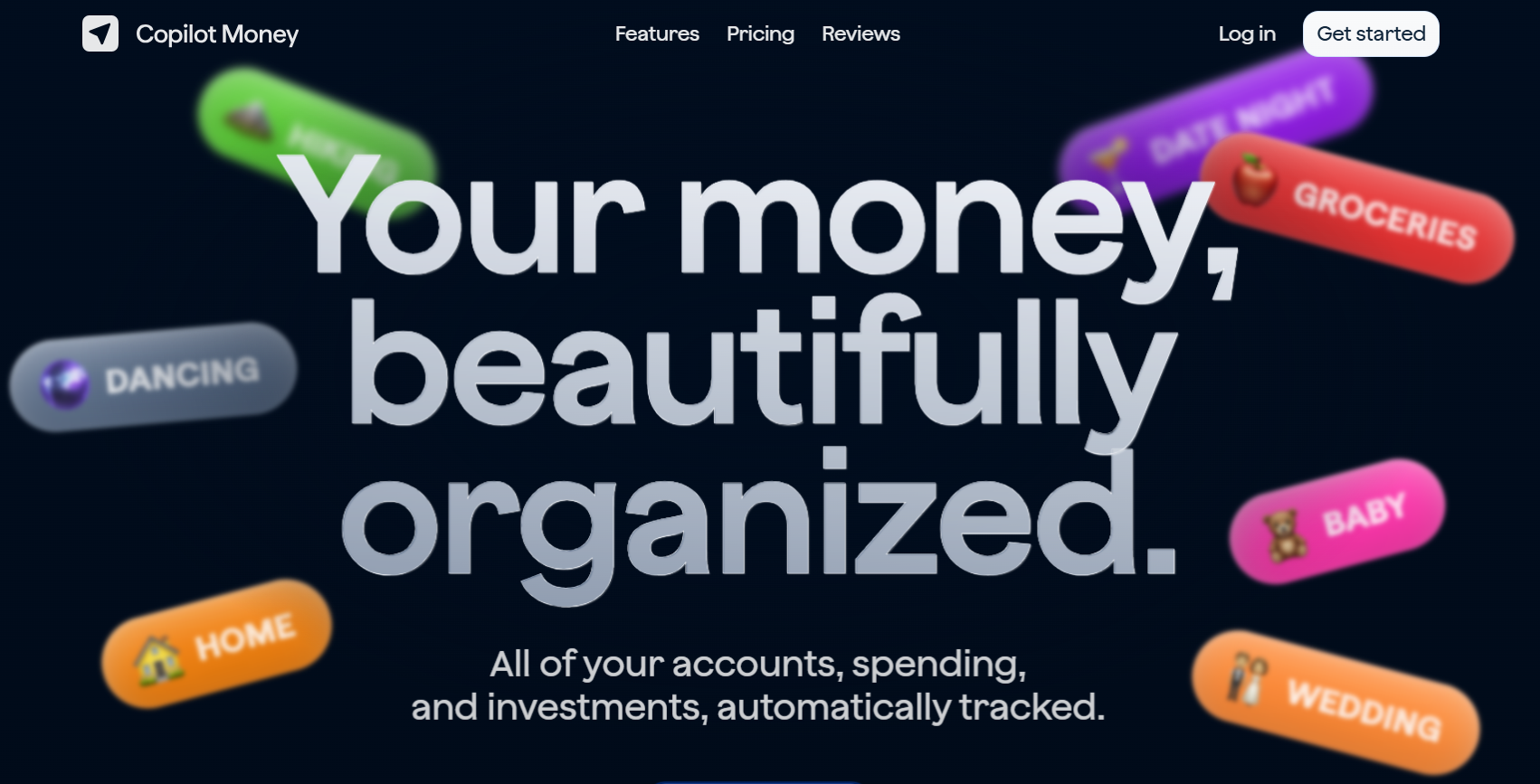
Best for: a US user or household that lives on iPhone, iPad, and Mac and wants transactions, budgets, investments, and net worth to update automatically. Price: $109 per year on Copilot's pricing page (listed as down from $119); the App Store lists a monthly subscription at $18. App Store rating: 4.8 from about 31,000 ratings. Platforms: iPhone, iPad, Mac, and web; no Android app.
Copilot was built for Apple devices first, and that shows in where it runs. Its Mac app requires macOS 14 or later, and the App Store listing also shows Apple Vision Pro support. Copilot connects to more than 16,000 financial institutions, according to its own site, and covers spending, budgets, recurring charges, investments, and net worth in one place.
Its Apple Card support is among the most complete. On an iPhone running iOS 17.4 or later, Copilot can link Apple Card, Apple Cash, and Savings with Apple Card through FinanceKit, Apple's framework for sharing Wallet financial data with approved apps; the Copilot help article notes that only the primary account holder can connect these accounts and that the iPhone app must open to send updates to the Mac and iPad apps. For older data, Copilot also accepts Apple Card statement exports shared from Wallet.
Copilot now includes an AI assistant that can recategorize transactions, match refunds, and propose budget changes, and Copilot says it always asks before it acts. Copilot's pricing page also states that it does not sell financial data, does not show ads, and does not use customer data to train external AI models. Shared household access for up to three people is listed as "coming soon," so do not choose Copilot today on the assumption that a partner can have a separate login.
Limitations: there is no Android app, so it is a poor choice for a household with mixed phones. Bank connections are US-only. Receipts are not its focus; it records what a card charged, not what was in the bag. For more options in this category, see our guide to Copilot alternatives.
2. Monarch Money: best for couples and household finances
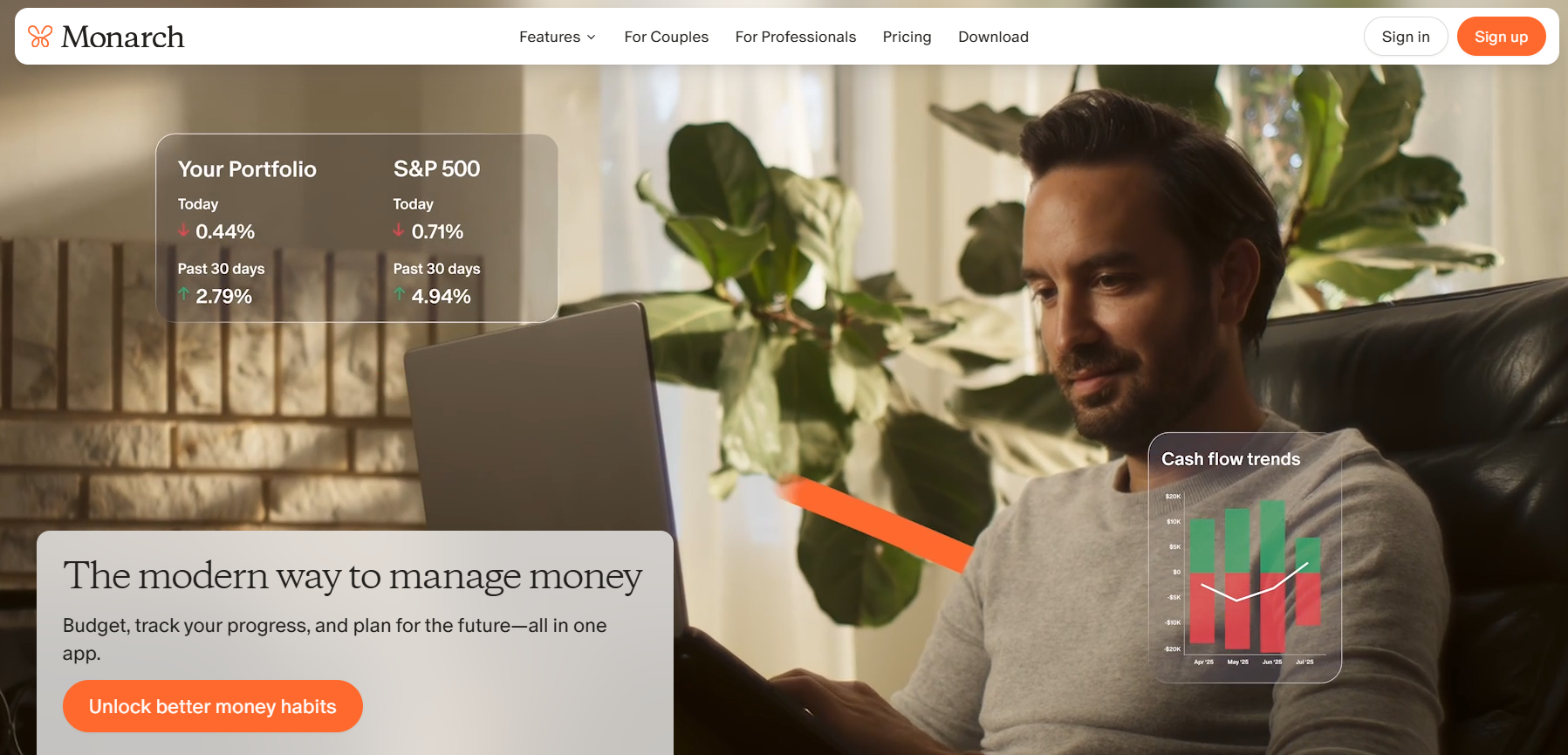
Best for: couples and families who want shared budgets, goals, net worth, and connected accounts in one system, on iPhone, Android, and the web. Price: Core costs $14.99 per month or $99.99 per year; Plus costs $199.99 per year in the App Store; the first week is free. App Store rating: 4.9 from about 118,000 ratings, the highest rating count among the paid apps here. Platforms: iPhone, Android, and web.
Monarch's main advantage over Copilot is sharing. Its help center explains that you can add household members under the same subscription at no extra cost, and each person gets a separate login. The trade-off is that every member sees every connected account; Monarch does not let you hide an account from one member. That suits couples who already pool money, and it is a weaker fit for partners who keep some finances separate.
Monarch also syncs Apple Card, Apple Cash, and Savings with Apple Card through FinanceKit. You can connect them only from the iPhone app, only one Apple Card credential can connect at a time, and background syncing requires notifications to be on. On iOS, the app offers a budget dashboard widget.
Receipts are where Monarch has improved most this year. Its receipt-scanning help guide covers mobile and web scanning, receipt widgets, and attaching receipts to transactions, and since July 2026 you can forward emailed receipts for matching, according to a Monarch product update. In Monarch, a receipt adds detail to a connected bank transaction or helps you split one charge across categories; the bank transaction stays the main record.
The Plus tier adds forecasting, multiple-income tracking, and deeper investment analysis. Monarch's Plus help article says Plus features are currently available on desktop, so most iPhone-first users will be fine on Core.
Limitations: it costs more than YNAB or Copilot on the annual plan if you need Plus, and there is no permanent free tier. Bank connection quality depends on your institution, as with every aggregator. For a detailed comparison, read Monarch Money vs Yomio or our list of Monarch Money alternatives.
3. YNAB: best for zero-based budgeting
Best for: people who want to give every dollar a job before they spend it and are willing to check in several times a week. Price: $14.99 per month or $109 per year after a 34-day trial with no credit card required; college students can get a free year through YNAB's college program. App Store rating: 4.8 from about 62,000 ratings. Platforms: iPhone, Apple Watch, Android, and web.
YNAB is a method first and an app second. You assign the money you have now to categories, and when you overspend in one category you move money from another, so the plan always matches reality. Our zero-based budgeting guide explains the method if it is new to you.
On iPhone, YNAB has the deepest system integration of the apps here. You can ask Siri for a category balance or to update your plan, use an "Add New Transaction" shortcut in the Shortcuts app, and log spending from an Apple Watch. YNAB was also one of the first FinanceKit partners: its Apple Wallet connections guide explains that Apple Card, Apple Cash, and Savings with Apple Card must be connected from an iPhone on iOS 17.4 or later, after which the transactions also appear on the web and Android.
One subscription covers up to six people in total, which makes YNAB a strong value for couples who want one shared plan. Bank import is optional: you can link supported accounts, import files, or enter everything by hand, which also makes YNAB a reasonable choice for people who want a budget without bank connections.
Limitations: YNAB needs regular attention. If you ignore it for two weeks, you return to a plan that no longer matches your accounts and needs reconciliation. It has no receipt line-item capture. If you are comparing it with other approaches, see YNAB alternatives, YNAB vs Yomio, and our explanation of why budgets fail.
4. Empower Personal Dashboard: best free option for net worth and investments
Best for: people who want spending, net worth, retirement planning, and portfolio analysis in one free app. Price: free; Empower states that "the dashboard experience and financial tools are completely free." App Store rating: we could not confirm the current US rating directly on the App Store, so we leave it out. Platforms: iPhone, Android, and web.
Empower's free tools include budgeting and cash flow, automatic transaction categorization, a net-worth view, a retirement planner, portfolio analysis, a savings planner, debt paydown tracking, and an emergency-fund planner. That is unusually broad for a free app, and it is the main reason Empower stays on lists like this one.
The business model explains the price. Empower offers paid investment advisory services, and its site promotes its Personal Strategy service to people who invest more than $250,000 with the company. You do not need to use those services, but expect occasional prompts to talk to an advisor.
Limitations: budgeting is basic compared with YNAB, Copilot, or Monarch, and there is no receipt capture. Everything depends on account connections, so it is the wrong choice if you do not want to link accounts. If you are weighing Empower against a receipt-based tracker, see Empower vs Yomio and our guide to net worth trackers versus budget apps.
5. PocketGuard: best for a quick "safe to spend" check
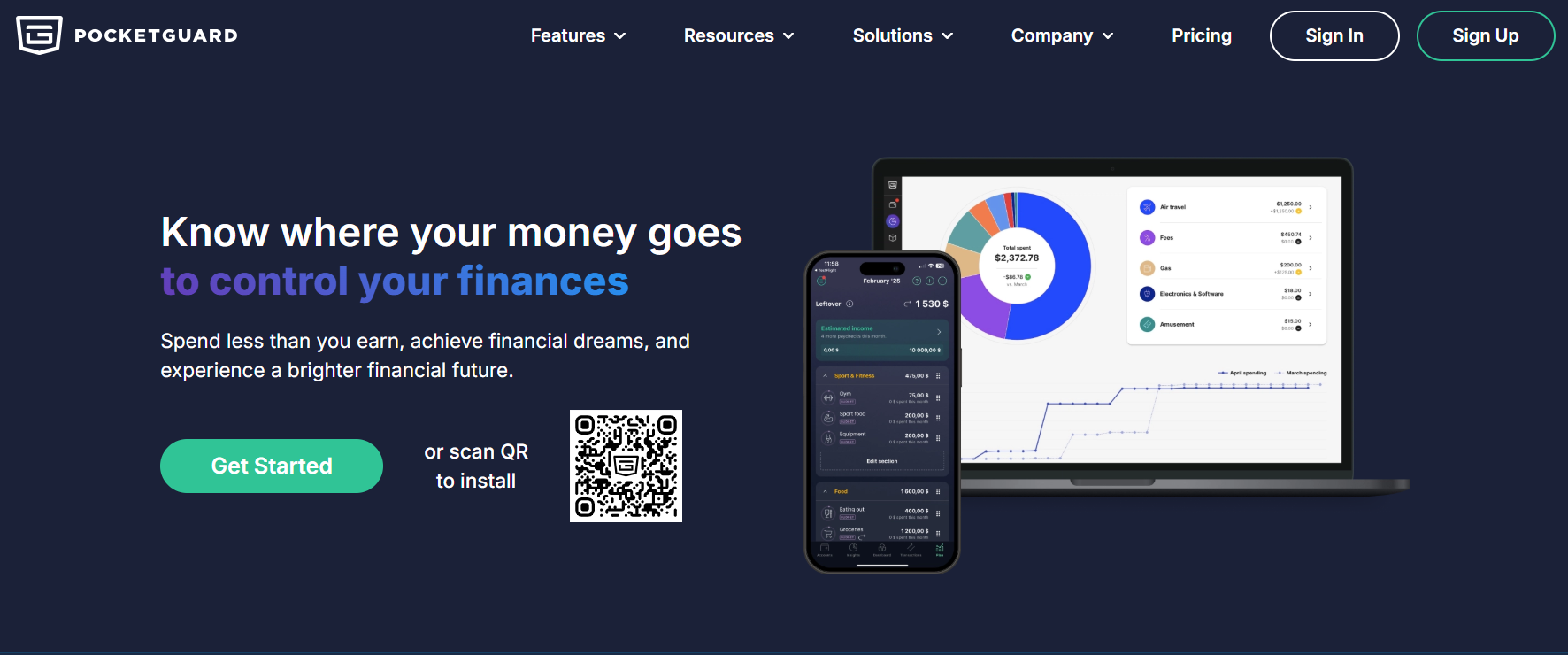
Best for: people who find full budgets overwhelming and want one number that answers "can I afford this?" Price: $12.99 per month, $74.99 per year, or a one-time $149.99 lifetime plan, after a 7-day trial. App Store rating: 4.6 from about 7,700 ratings. Platforms: iPhone, Apple Watch, Android, and web.
PocketGuard's "In My Pocket" figure subtracts upcoming bills, savings goals, and budgets from your income and shows what remains. Around that number, it offers bill tracking, budgets, goals, and manual cash entries, and its Plus feature guide also lists receipt attachments for transactions.
The lifetime plan is unusual in this category. At $149.99, it costs as much as two years of the annual plan, so it makes sense only if you are confident you will keep using the app.
Limitations: PocketGuard's App Store listing does not describe a lasting free plan, so treat older reviews that mention a free tier with caution and check the current offer in the app. It gives less control than YNAB if you want a detailed category plan, and it does not capture receipt line items. Our PocketGuard vs Yomio comparison covers the receipt question in more detail.
6. Yomio: best for item-level receipt tracking without bank access
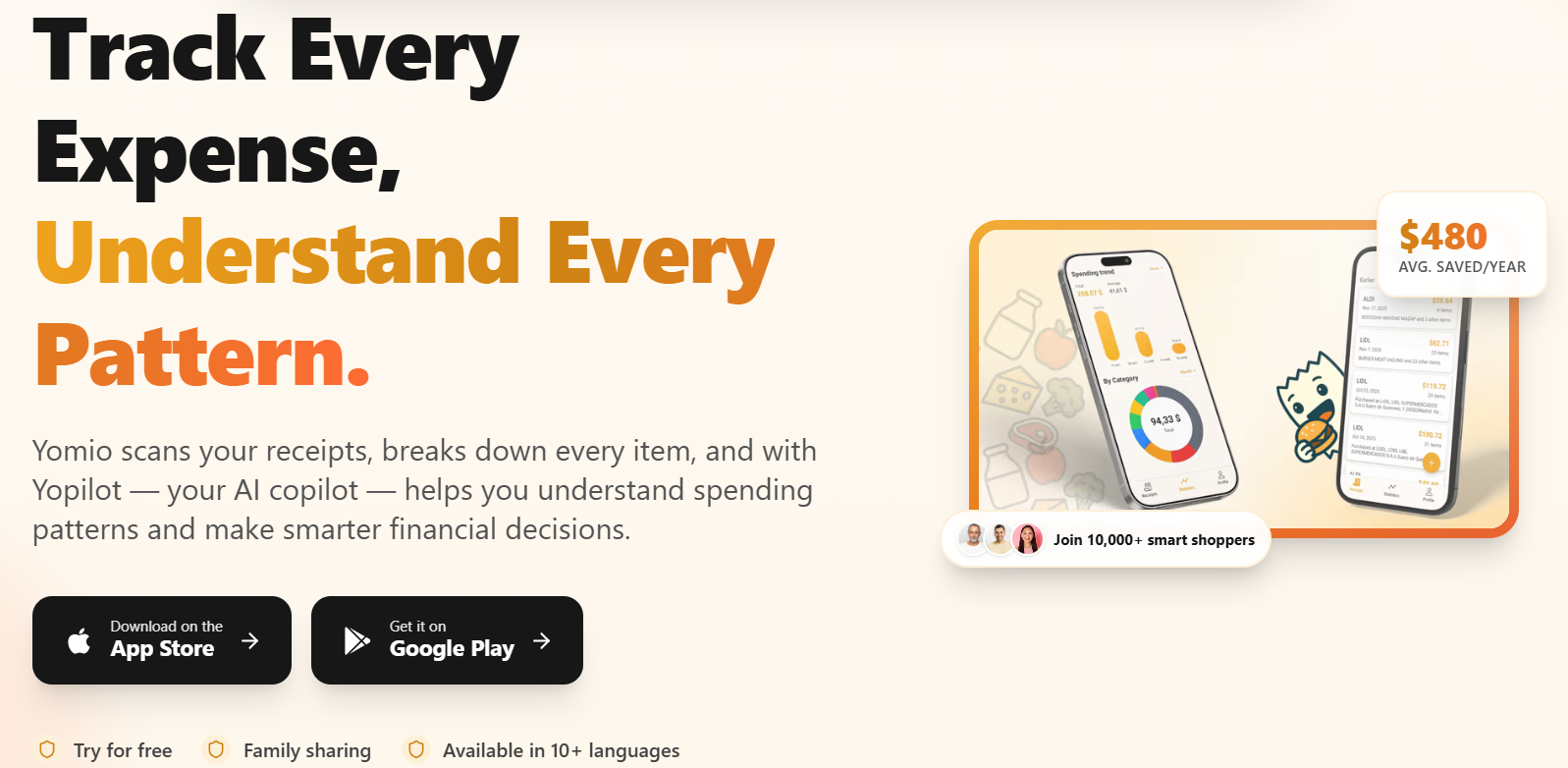
Best for: people who want to know what they bought, not only where they paid; households that use cash often; and anyone who prefers not to share bank credentials. Price: the free plan includes five lifetime scans or uploads; Premium is $6 per month or $60 per year (see the US pricing page). App Store rating: 5.0 from four ratings, which is too few to be meaningful. Platforms: iPhone, Android, and a web dashboard.
Yomio reads each receipt line, with item names, prices, and quantities, and assigns a category to each product rather than to the store. A single supermarket receipt can then split into groceries, cleaning supplies, and personal care without any manual work. You can search your history by product, store, category, price range, or date, which is something a bank feed cannot do. Our explainer on how OCR receipt scanning works describes the process, and our receipt itemization data report shows what item-level records reveal.
On iPhone, Yomio offers small and medium Home Screen widgets that show your weekly total and top categories. A long press on the app icon opens "Scan Receipt" and "Quick Add" shortcuts, and you can send a receipt image or screenshot to Yomio from the iOS share sheet. Premium adds Yopilot, an AI assistant that answers spending questions in chat, along with advanced analytics, receipt history search, CSV and PDF export, and family sharing.
Limitations: Yomio does not connect to bank accounts, and it does not import Apple Card or Apple Pay transactions. A card purchase appears only if you scan its receipt or add it manually, so incomplete scanning means incomplete totals. There is no Mac app, no Apple Watch app, and no Siri or Shortcuts actions. It does not track balances, investments, or net worth. If those matter more than item detail, Copilot, Monarch, or Empower will serve you better. To compare receipt apps only, see our receipt scanning app comparison.
Also worth considering
Rocket Money is best known for finding and cancelling subscriptions. Its free tier includes subscription tracking, spending breakdowns, and a credit score, and Premium uses a "pay what you think is fair" price that its own pricing explainer puts at roughly $7 to $14 per month. Premium adds unlimited budgets, net worth, CSV export, and the iOS widget; Premium+ costs $15 per month and adds bill negotiation and an AI assistant. It has a 4.5 rating from about 408,000 App Store ratings. For a broader look at recurring charges, see our guide to managing subscriptions and recurring payments.
EveryDollar is the budgeting app from Ramsey Solutions. The free version is manual entry only, and Premium, which adds bank connections and paycheck planning, costs $79.99 per year according to Ramsey's own site. It suits people who follow the Ramsey method; EveryDollar vs Yomio covers how it differs from receipt tracking.
Choose by your routine
Use the way you already handle money, not the longest feature list.
- You pay almost everything by card and want it to appear automatically: Copilot Money if everyone in the household uses Apple devices; Monarch Money if anyone uses Android or the web.
- You and a partner want one shared view: Monarch Money, which includes household members at no extra cost, or YNAB, where one subscription covers up to six people. Our budgeting apps for couples guide goes deeper.
- You want to decide in advance where each dollar goes: YNAB.
- You mostly want to know your net worth and whether retirement is on track: Empower Personal Dashboard.
- You want one number before you buy something: PocketGuard.
- You pay cash often, keep receipts, or want to see product-level spending: Yomio. Our guide to tracking cash expenses covers the habit side.
- You want to cut forgotten subscriptions first: Rocket Money.
Before you pay for a year, run one ordinary week through the trial. Record a grocery trip, a recurring bill, a cash purchase, and one unexpected expense. Then check which of those arrived automatically, which needed a scan, and which needed typing. The app that handled the records you care about with the least effort is the one you are most likely to keep using. For more on choosing a method, see our guide to the best ways to track your spending.
You can also combine two tools. A common split is a bank-sync app for balances and reconciliation, plus a receipt app for the purchases whose contents you want to understand, such as groceries or pharmacy trips. If you do this, choose one app as the source of your monthly total, so the same purchase is not counted twice.
Privacy: what each type of app can see
Bank-sync and receipt apps collect different kinds of sensitive data.
Bank-sync apps (Copilot, Monarch, YNAB with linked accounts, Empower, PocketGuard, Rocket Money) usually connect through a data aggregator and can read balances and transaction history. In the US, the rules for that access are still in flux: the CFPB finalized a personal financial data rights rule under Section 1033 in 2024, but a federal court has blocked enforcement while the CFPB reconsiders it, as a 2026 Cozen O'Connor analysis explains. In practice, each app's own privacy policy and its aggregator's terms decide what happens to your data.
Apple Card sync through FinanceKit works differently. When Apple introduced the framework in iOS 17.4, TechCrunch reported that it lets developers fetch transactions and balances from Apple Card, Apple Cash, and Savings with Apple Card. You set up the connection from the app on your iPhone and choose which Apple accounts to share, rather than typing a bank login into a third-party screen. Once you grant access, though, the app receives those transactions and handles them under its own privacy policy.
Receipt apps such as Yomio do not need bank access, but a receipt still shows merchants, dates, products, and sometimes the last digits of a card. "No bank connection" means a smaller data footprint, not zero personal data.
Before you choose, compare the privacy labels on each App Store listing; Apple explains what those labels mean in its App Store privacy guidance. Treat the labels as the developer's own disclosure rather than a security audit, and also check whether the app lets you delete your account and your data.
See what is inside each purchase
Yomio turns receipts into item-level spending records on your iPhone, with widgets, product search, and no bank connection required. Start with five free scans.
Try Yomio on iPhoneFrequently asked questions
What is the best free expense tracker app for iPhone?
Empower Personal Dashboard is the most complete free option, with budgeting, net worth, and investment tools at no cost. Rocket Money's free tier covers subscription tracking and spending breakdowns, and EveryDollar's free version supports a manual monthly budget. Yomio's free plan includes five lifetime receipt scans or uploads, which is enough to try item-level tracking but not to use it long-term without Premium.
Which iPhone expense tracker works without linking a bank account?
Yomio is built for this, since it records spending from receipts and manual entries only. YNAB also works fully without linked accounts if you enter transactions by hand or import files, and EveryDollar's free version is manual too. Apple Card sync through FinanceKit is a middle option: it shares Wallet data with the app without a bank login, but the app still receives your transactions.
What is the best expense tracker for couples on iPhone?
Monarch Money is the strongest connected option, because household members join at no extra cost with their own logins, although every member sees every account. YNAB is the best choice for couples who want one shared zero-based plan, with up to six people on one subscription. Copilot's shared household feature was still listed as "coming soon" in November 2026.
Which budgeting apps sync with Apple Card?
Copilot Money, Monarch Money, and YNAB all connect Apple Card, Apple Cash, and Savings with Apple Card through Apple's FinanceKit on an iPhone with iOS 17.4 or later. Setup must happen in each app's iPhone version, and the connected data can then appear on other platforms. Yomio does not import Apple Card transactions; it tracks spending from receipts instead.
Is Apple Wallet enough to track spending?
For Apple Card alone, Wallet shows spending summaries by category. It does not cover other cards, cash, or bank accounts, and it cannot set budgets, so most people pair it with one of the apps above or use an app that imports Apple Card data directly.